What information is accessible in Ambition's public API?
Last updated: July 17, 2025
Public API
Ambition's Public API provides customers with access to their Account, Group, Score, and Coaching data.
Score data includes activity and objective score values for individuals, managers, and groups. For individuals and managers, the individual's/manager's username will be provided as the EntityID. For groups, the Group ID will be provided. The Group API can then be used to associate the Group ID with a group's name.
Coaching data includes action items, action plans, action plan templates, programs, program templates, managed programs, cadences, check-ins, check-in templates, recurring check-ins, group check-ins, group check-in templates, and notes.
View API documentation
Documentation can be found at https://SUBDOMAIN.ambition.com/api/v3/schema/swagger-ui/.
Replace SUBDOMAIN with the respective subdomain of your organization's Ambition instance.
An OpenAPI 3.0 schema file can be downloaded:
at the top of the documentation page by clicking /api/v3/schema/
at the bottom of this article
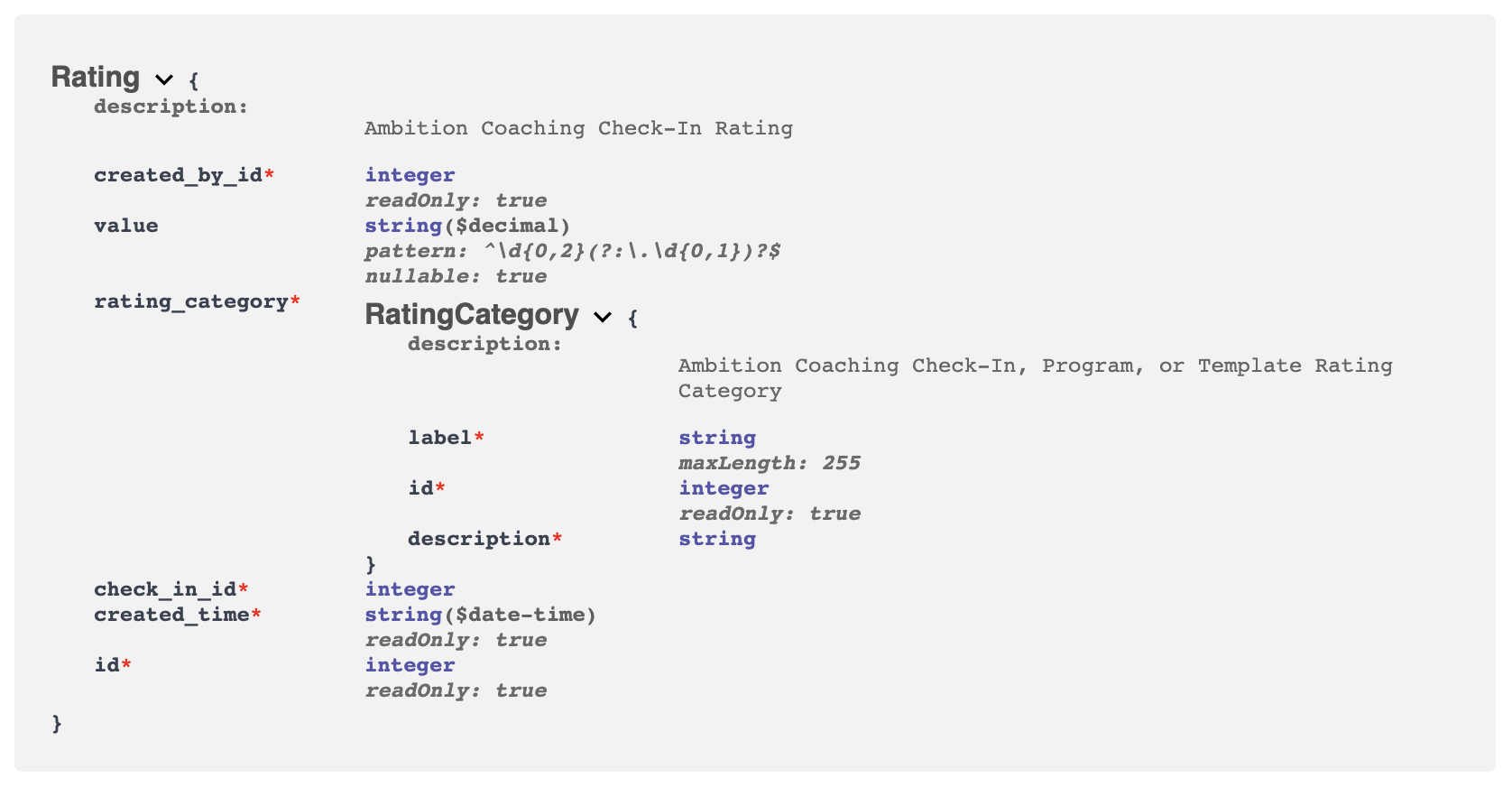
Example of Coaching Rating Documentation
Generate an API Token
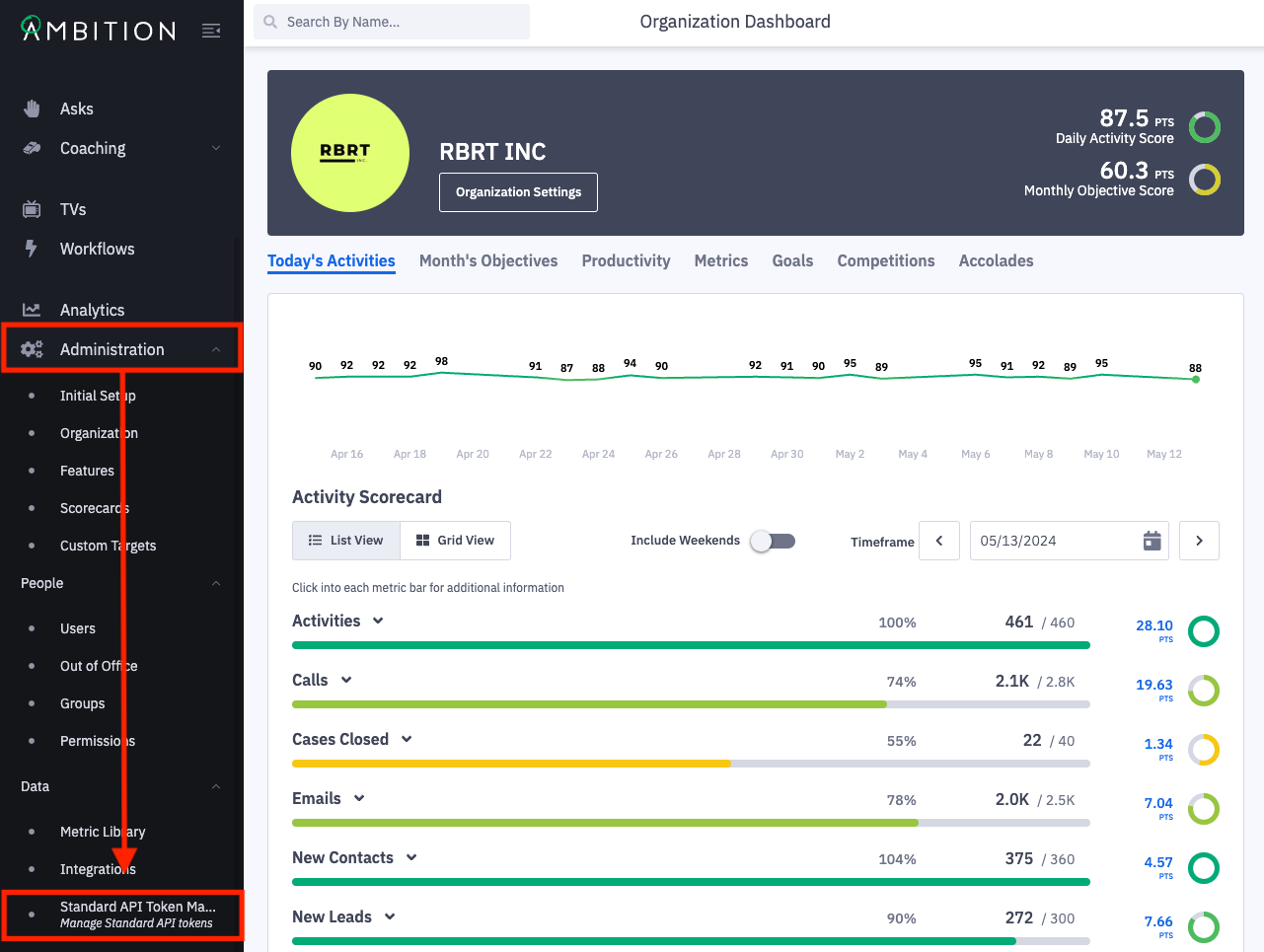
1. Open the left navigation and click on Administration > Data > Standard API Token Management.
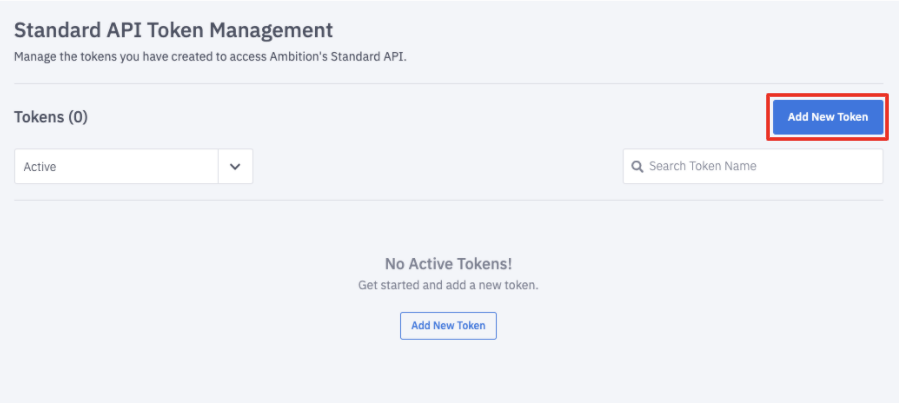
2. From the Token Management page, click Add New Token.
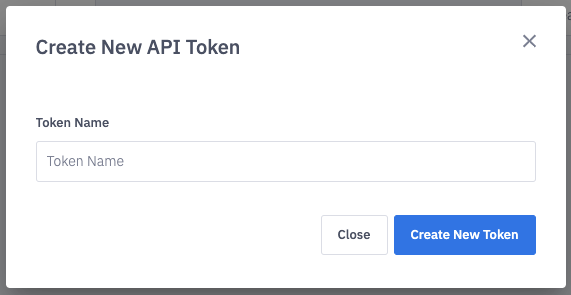
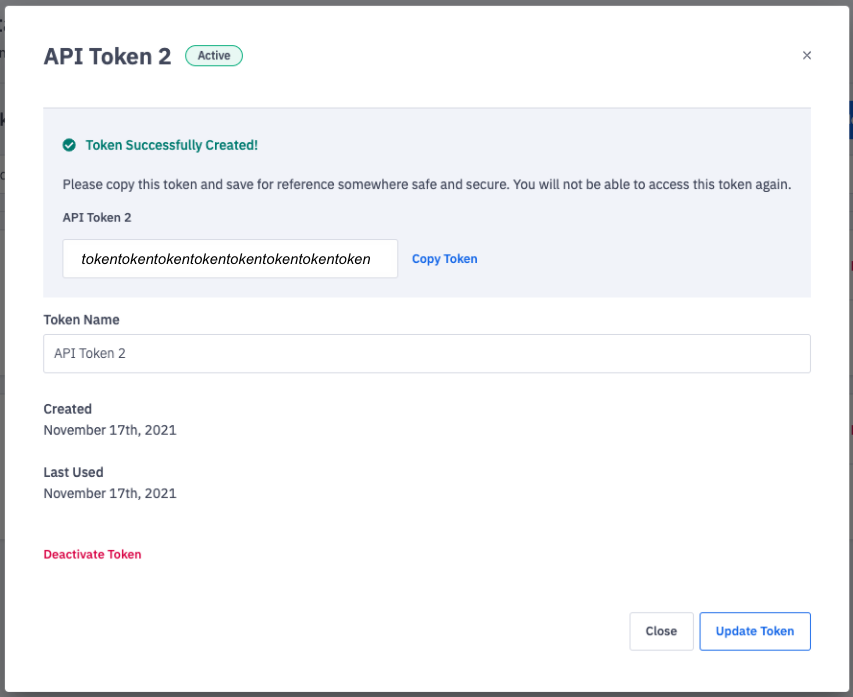
3. Name the Token and click Create New Token.
4. After the token has been created, copy the token to save for reference.
You will not be able to access this token again.
API Throttling
The Scores endpoints will enforce a throttling limit of 30 calls per minute, per API, with a max of 1000 calls per day, per API.
ex. 30 calls, per minute with no more than 1000 calls for Activity Score and 30 calls, per minute with no more than 1000 calls for Objective Score.
A throttled response will have the status code 429 and the content will contain the message, "Too Many Requests".
Construct HTTP Request
You will need to construct a request consisting of three parts: Authorization Header, Content Type Header, and Body (if applicable).
Authorization Header
AUTH_TOKEN is the token from Standard API Token Management.
Authorization: Token AUTH_TOKEN
Content-Type Header
The Content-Type will vary based on the endpoint and action.
Content Type Header
CONTENT_TYPE | DATA_FORMAT | CONTENTS |
| JSON | JSON Formatted Data |
| CSV | CSV Formatted Data |
| CSV | Excel Formatted Data |
Body
The body will consist of either JSON or CSV data, dependent on selected DATA_FORMAT.
Refer to the "How do I construct data for an API integration?" for constructing the body's data.
Example
Using cURL to list accounts in Ambition.
curl \
-H "Authorization: Token AUTH_TOKEN" \
-H "Content-Type: application/json" \
https://SUBDOMAIN.ambition.com/api/v3/account
Attachments:
openAPI_3.0_schema_file.txt
openAPI_3.0.3_v3_schema_file.txt