How do I edit a workflow?
Last updated: March 12, 2026
Edit Workflow
Users with "Workflows: All Access" or "Workflows: Create" permission will be able to create workflows.
Creators will be able to edit and delete workflows they create.
Users with "Workflows: All Access" permission will be able to edit and delete all workflows. Users with "Workflows: Edit" permission will be able to edit all workflows or edit workflows that users they manage created depending on the level of access.
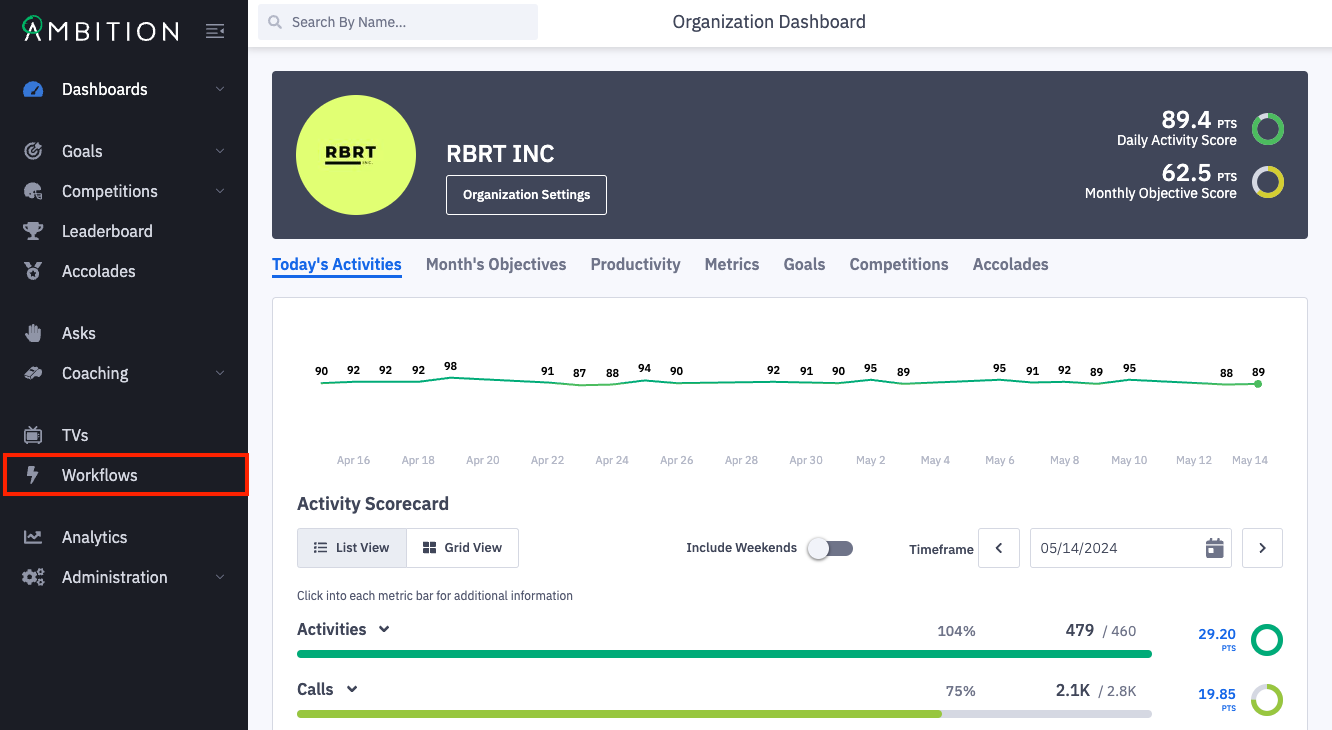
Open the left navigation and click Workflows.
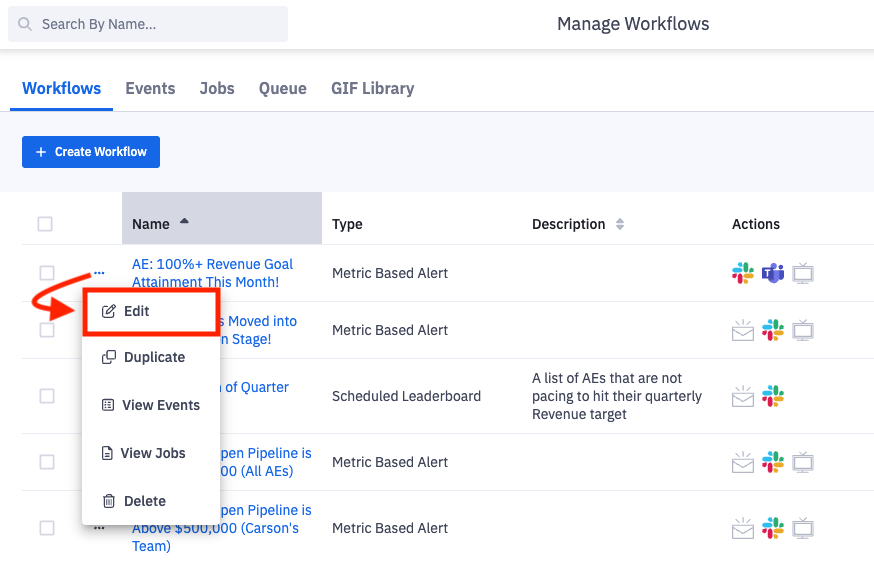
Click the ellipses icon and Edit on the workflow you wish to edit.
Alternatively, click on the workflow's name and then Edit.
After clicking edit, you will be navigated into the workflow form to make the desired edits.
After making desired edits, click the Update Workflows button to save your changes.