How do I interact with the AI Assistant?
Last updated: February 2, 2026
AI Assistant
The AI Assistant is in a beta testing period. Interacting with the AI Assistant is dependent on the "AI Chat" feature being enabled.
How can I interact with the AI Assistant?
The AI Assistant can provide insights, identify trends, and quickly surface information about challenges, goals, metrics, and pipeline within Ambition.
Example Coaching Prompts
What themes are showing up in my coaching sessions?
Who should I coach this week?
How effective are my coaching sessions?
Summarize my last 90 days of coaching.
Example Challenge Prompts
How is {user/group} doing in challenges?
What is the latest on our competitions?
How are active challenges going?
What challenges are most effective?
Example Goal Prompts
How is {user/group} performing on {goal name}?
Who is pacing ahead or behind on their goals this {timeframe}?
Which reps are most likely to miss their {timeframe} goals?
Example Metric Prompts
Who improved the most week over week in activity?
Who are the most consistent top performers?
Who has the longest streak for making {#} {metric name} in {timeframe)?
ex. Who has the longest streak for making 50+ calls a day?
Example Pipeline Prompts
What new opportunities have been added since {timeframe}?
Show me all deals that are projected to close {timeframe}.
How is my team's pipeline?
Example Two-Part Prompts
Since insights about coaching, challenges, goals, metrics, and pipeline can be surfaced, when looking for insights on ex. a user's specific pipeline goal, asking in two separate prompts can help get the correct information quickly!
Prompt 1: Pull goal data for Caleb.
Prompt 2: How is Caleb pacing on his weekly pipeline goal compared to last week?
Where do I find the AI Assistant?
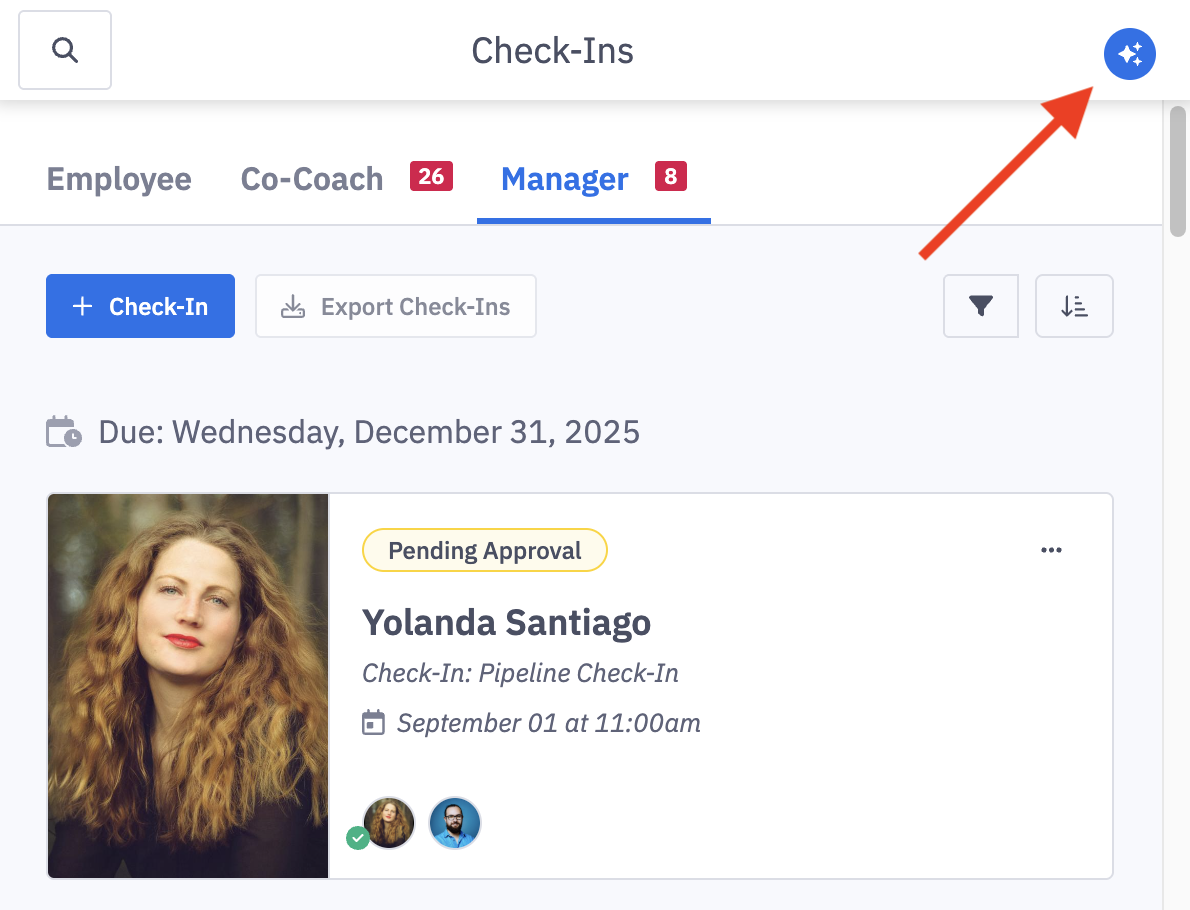
Access the AI assistant by clicking on the sparkle icon button in the top navigation.
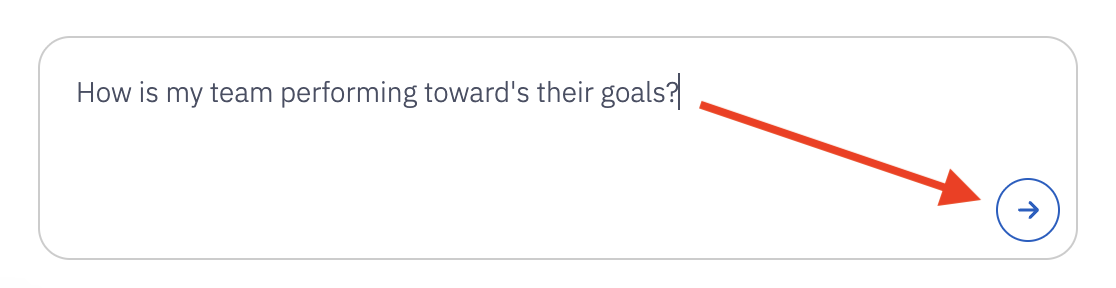
Begin typing your prompt. Submit your prompt by either hitting "Enter" or clicking the arrow submit button.
Your prompt can contain up to 5000 characters.
Review the provided information. Ask follow-up questions as needed or begin a new prompt.
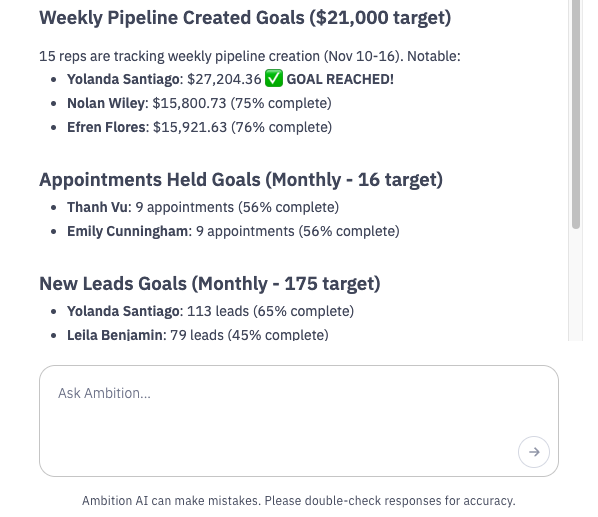
At this time, refreshing the page or navigating to a new page will clear any past interactions with the AI assistant.