How do I export spreadsheet data?
Last updated: June 18, 2025
Export Spreadsheet Data
Users with the permission "Analytics Reporting: View" will be able to view and export all analytics data aside from saved reports created by others that are not explicitly shared with them.
Export the spreadsheet's contents by clicking the Export button.
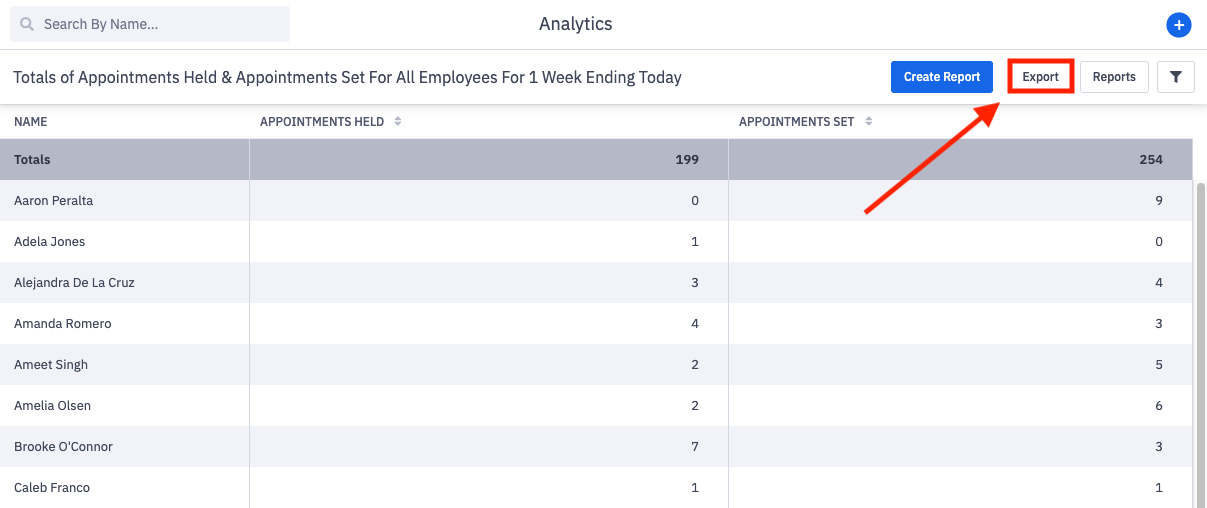
The exported file will be in .CSV format.

The exported file includes:
start date and end date based on the selected timeframe
name of the employee
superior, if applicable. Superior will be populated by the manager field within a user's settings
a column and respective value for each selected metric