How do I reset my password?
Last updated: July 17, 2025
Reset Ambition Password
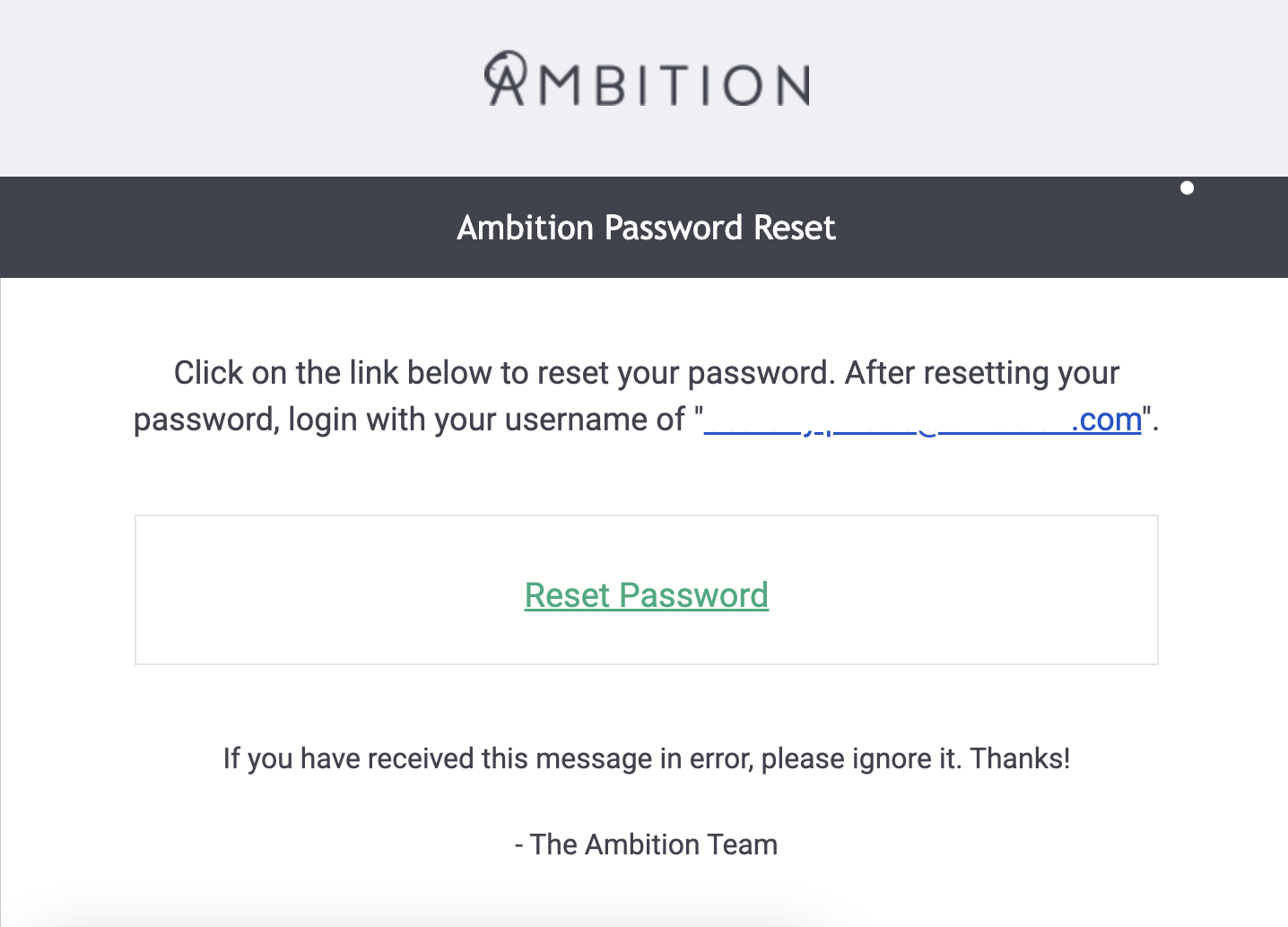
Opting to reset your Ambition account's password will send a password reset email. Be sure to check your spam folder!
1. Access Ambition.
Every company has a unique login URL in the form of https://.ambition.com where the SUBDOMAIN is typically the name of your organization.
In certain circumstances Ambition can be accessed through a third-party system, notably Salesforce.
Need more help?
If you are unsure of your organization's subdomain OR are uncertain if you have an active Ambition account, reach out to gethelp@ambition.com.
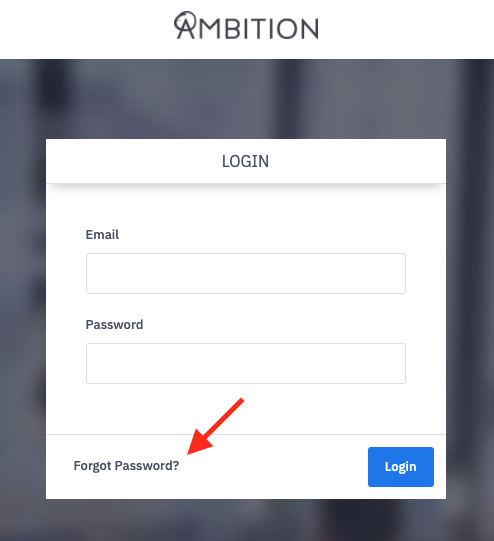
2. Click the Forgot Password? link found on your login page.
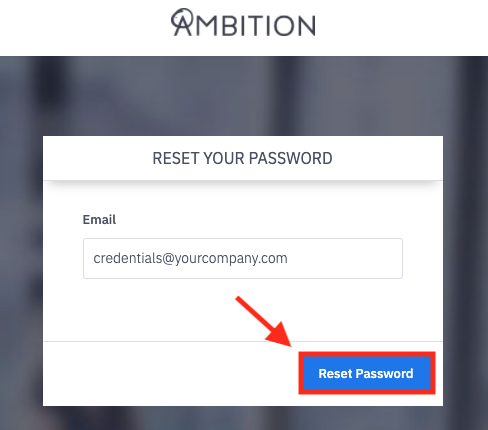
3. Enter the email address associated with your Ambition account.
If you have multiple Ambition accounts associated with the same email address, reach out to gethelp@ambition.com for assistance.
Getting an “There was a problem generating your request. Please contact gethelp@ambition.com” or "If an email matching the request is found within our system an email with password reset instructions will be sent” error? Reach out to gethelp@ambition.com in order to resolve!
4. Click the Reset Password button.
5. Check your email for an email entitled "Ambition Password Reset".
↳ Be sure to check your spam folder!
6. Click the Reset Password link to be routed back to Ambition.