How do I export a user list?
Last updated: June 16, 2025
Export Users
Users with either "Can Edit All Users" or "Can Edit Subordinate Users" level of the "Users: Edit" permission will have access to the users tab.
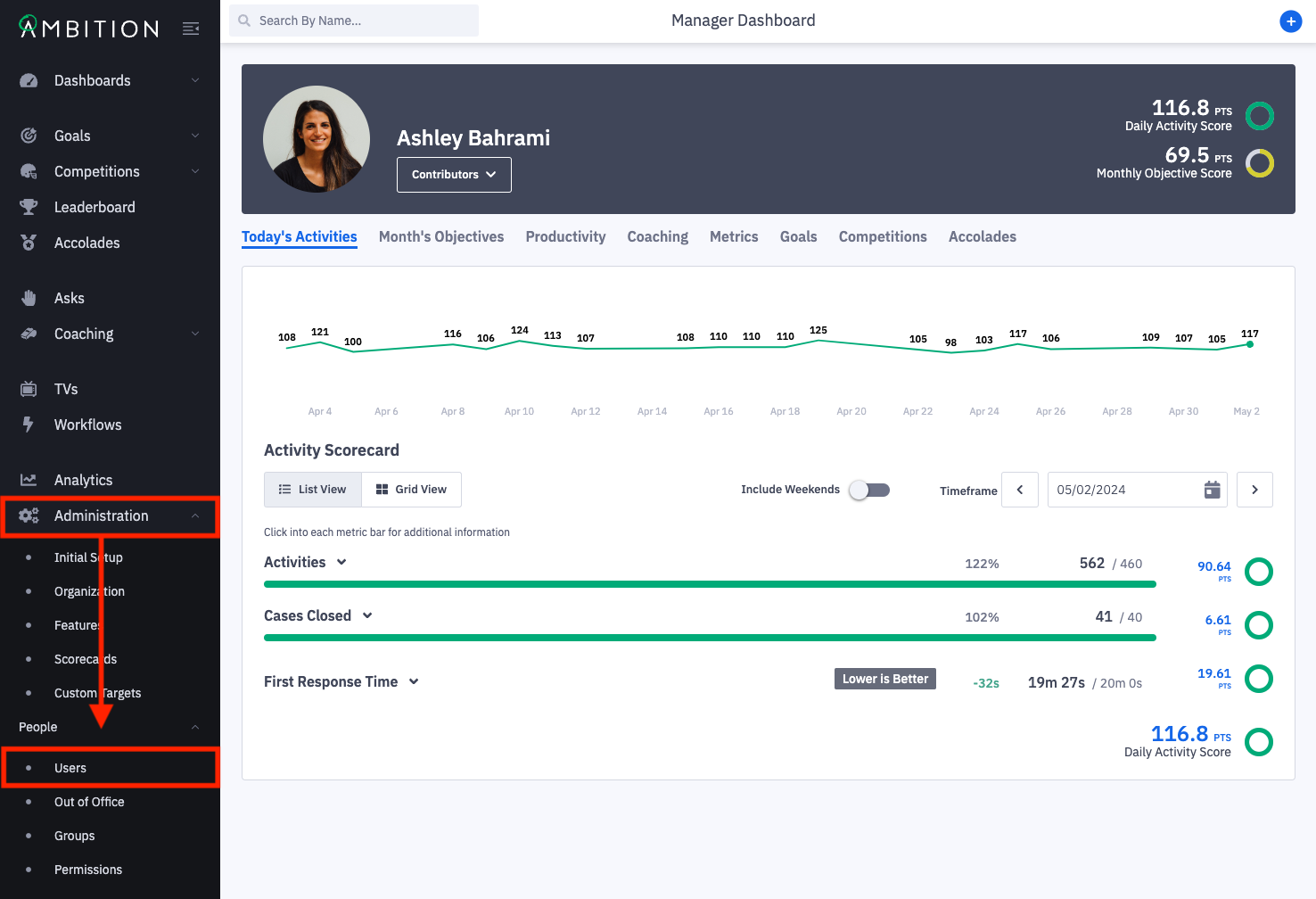
1. Open the left navigation and click Administration > People > Users.
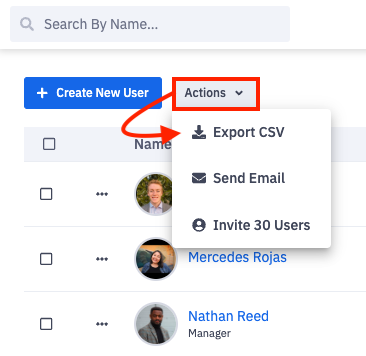
2. Click on Actions and Export CSV.
3. Open the downloaded file to view user information.
The downloaded report includes:
First Name
Last Name
Username
Email
Time Zone
Is Manager
Is Admin
Manager Name
Manager Username
Last Active Date (the last time Ambition registered the user logging into Ambition. Learn more here.)
Activation Date (the first day the user can have data attributed to them in Ambition)
A column for each group type that your organization has created
Integration IDs for integrations that your organization has enabled