How To Access Ambition Academy
Last updated: June 9, 2026
Level up your Ambition knowledge, register for future live sessions, view on-demand training content, and more in Ambition Academy.
Accessing Ambition Academy From Your Ambition User Account
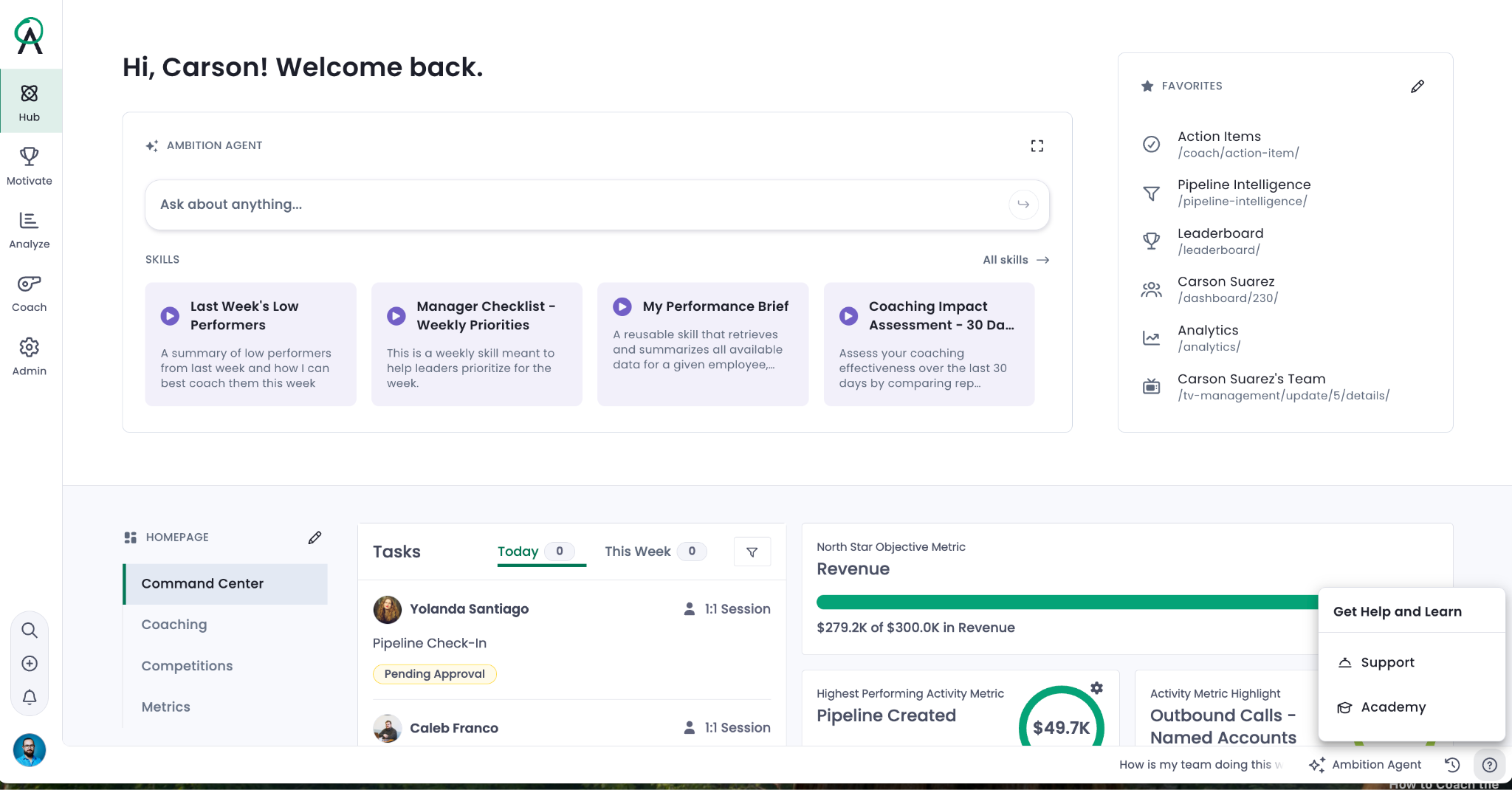
Start from your Ambition instance. Click the circled question mark icon in the bottom right corner and then “Academy” when the menu is displayed.
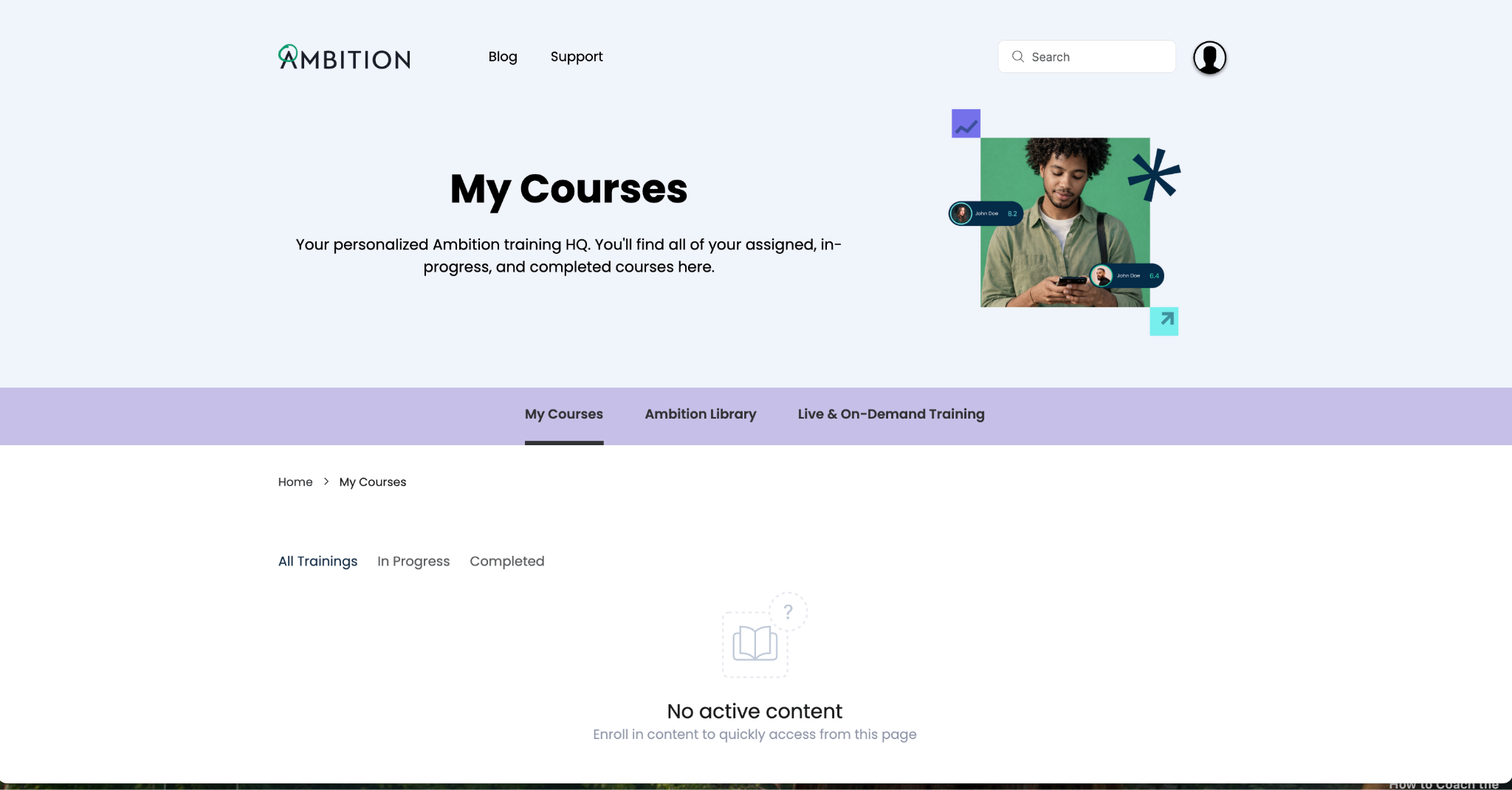
You will be routed to Ambition Academy and automatically logged in using your Ambition credentials. The "My Courses" tab is displayed when the Academy loads - displaying any courses you are enrolled in.
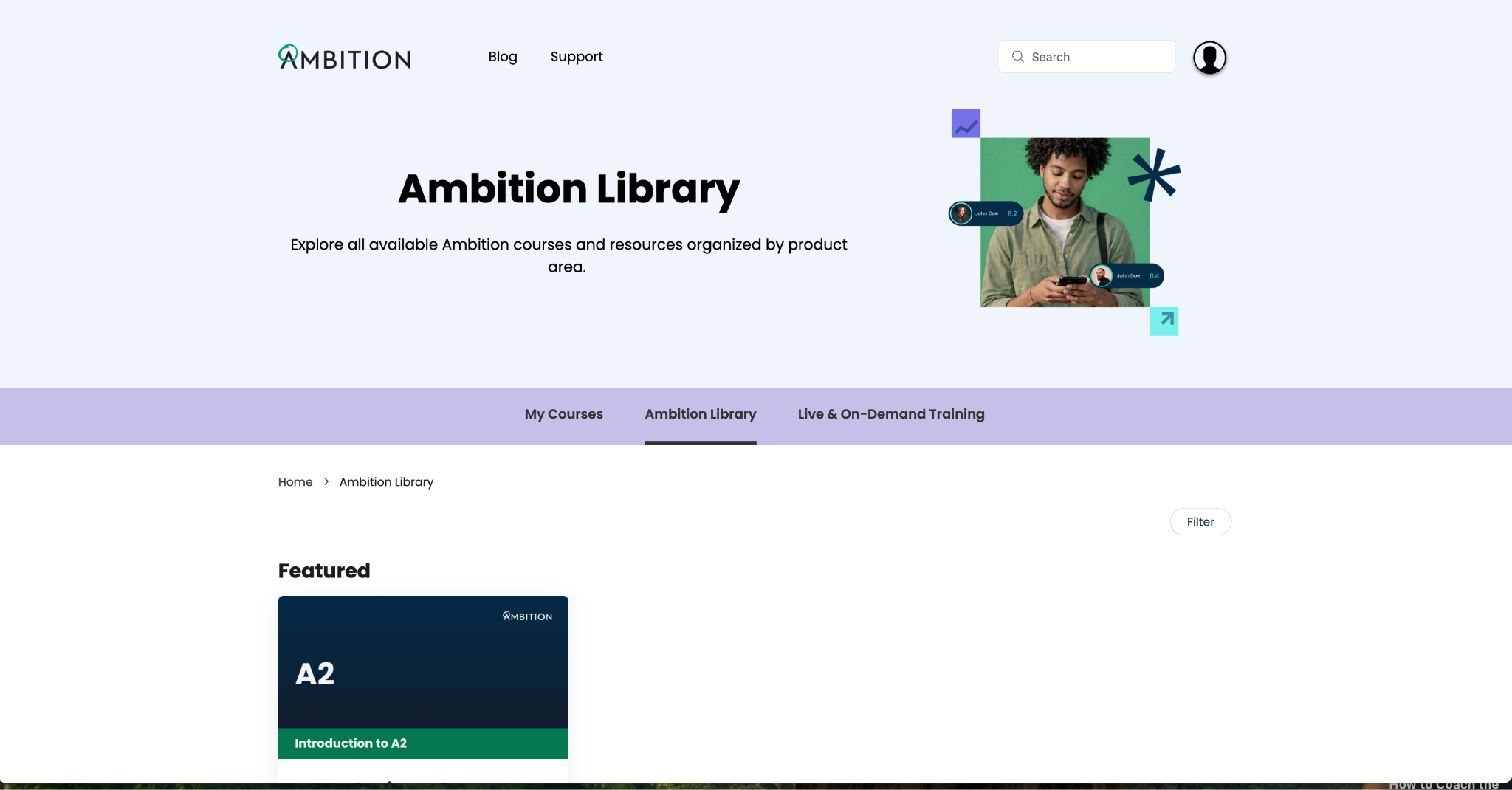
Alternately, the "Library" tab will display all the courses you have permission to view. Click into any course to enroll yourself.