How do I stop a recurring check-in?
Last updated: October 30, 2025
Finish Recurring Check-In
Users with "Coaching: Create Check-In" permission will be able to finish recurring check-ins they create. Users with "Coaching: All Access" permission can finish all recurring check-ins.
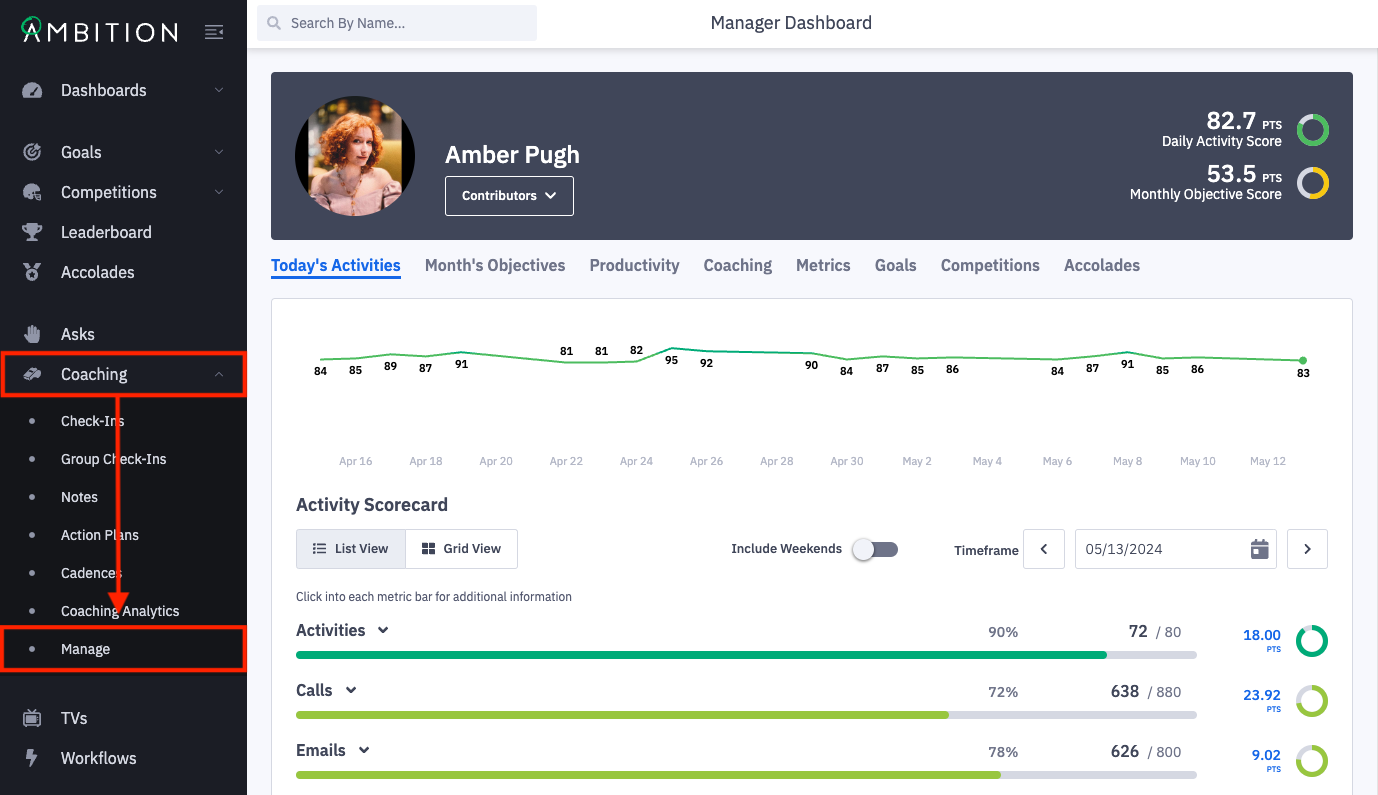
1. Open the left navigation and click Coaching > Manage.
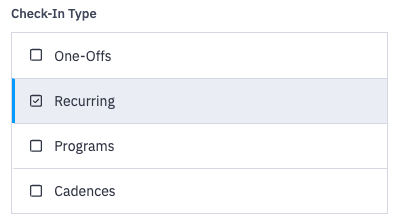
2. On the check-ins tab, click on the filters icon and select Recurring as the check-in type.
Apply additional filters as needed to find a check-in from the recurring series you wish to stop.
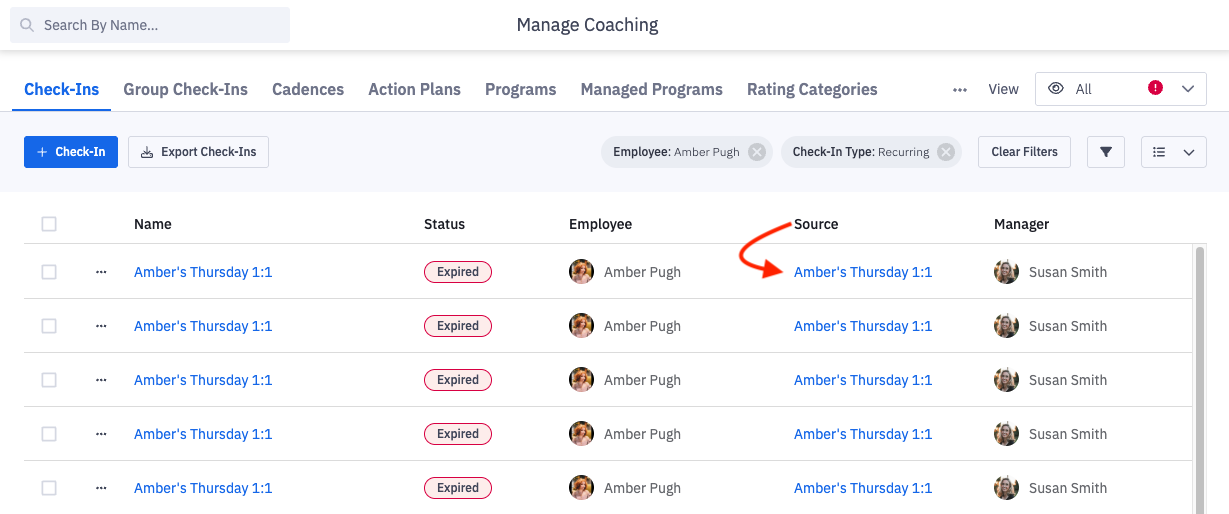
3. Click on the name of the recurring check-in found in the source column.
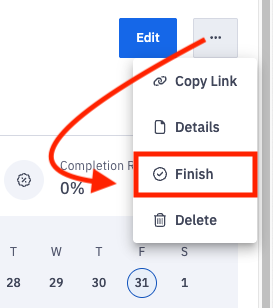
4. Click on the ellipses icon and Finish.
5. Click on Confirm.
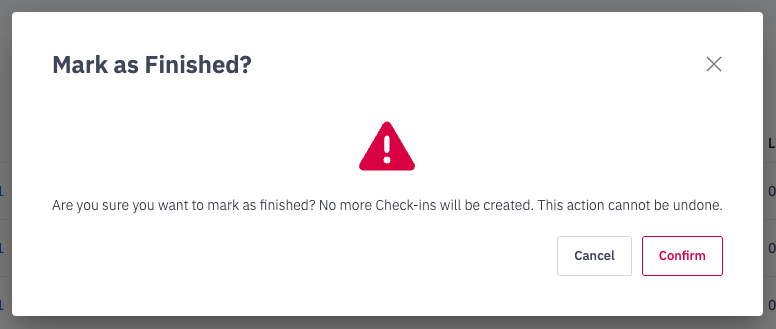
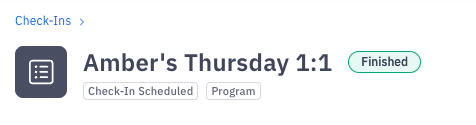
6. The recurring check-in will now be marked as Finished and no more check-ins will generate.