Ambition Agent Improvements: July 20th release
Last updated: July 21, 2026
Ambition's Product and Engineering teams have introduced several enhancements to the Ambition AI agent for our July 20th release.
This article outlines improvements to the AI agent experience.
Pre-loaded prompt library
Ambition has added a pre-written prompt library of over 30 prompts that any user can access within the AI agent. The prompts are spread across six categories:
Performance
Pipeline
Coaching
Contests & Goals
People & Teams
Skills
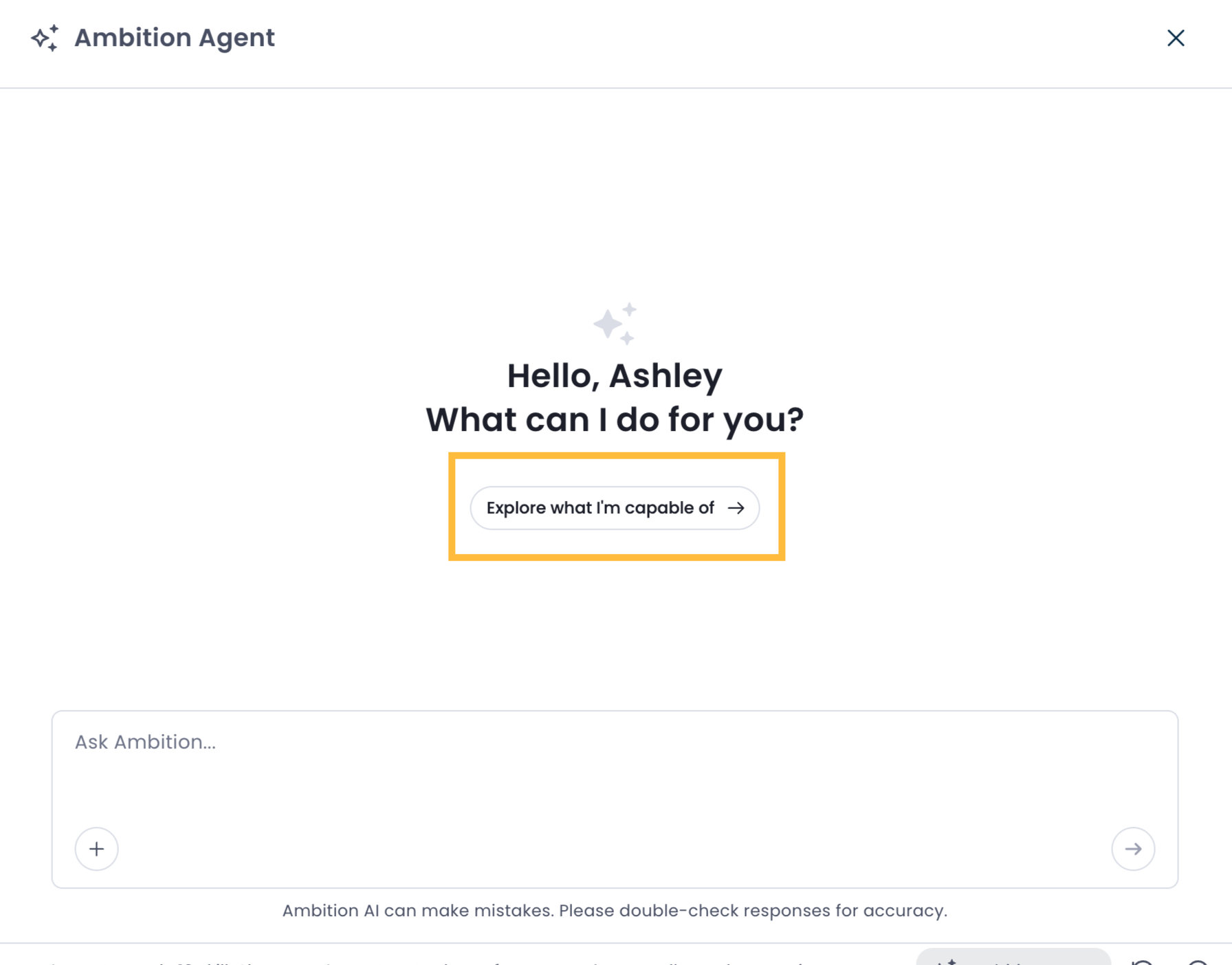
You can access these premade prompts by clicking on "Explore what I'm capable of" in the AI agent window.
You'll then be taken to the prompt library, where you can click the categories at the top of the page to browse prompts.
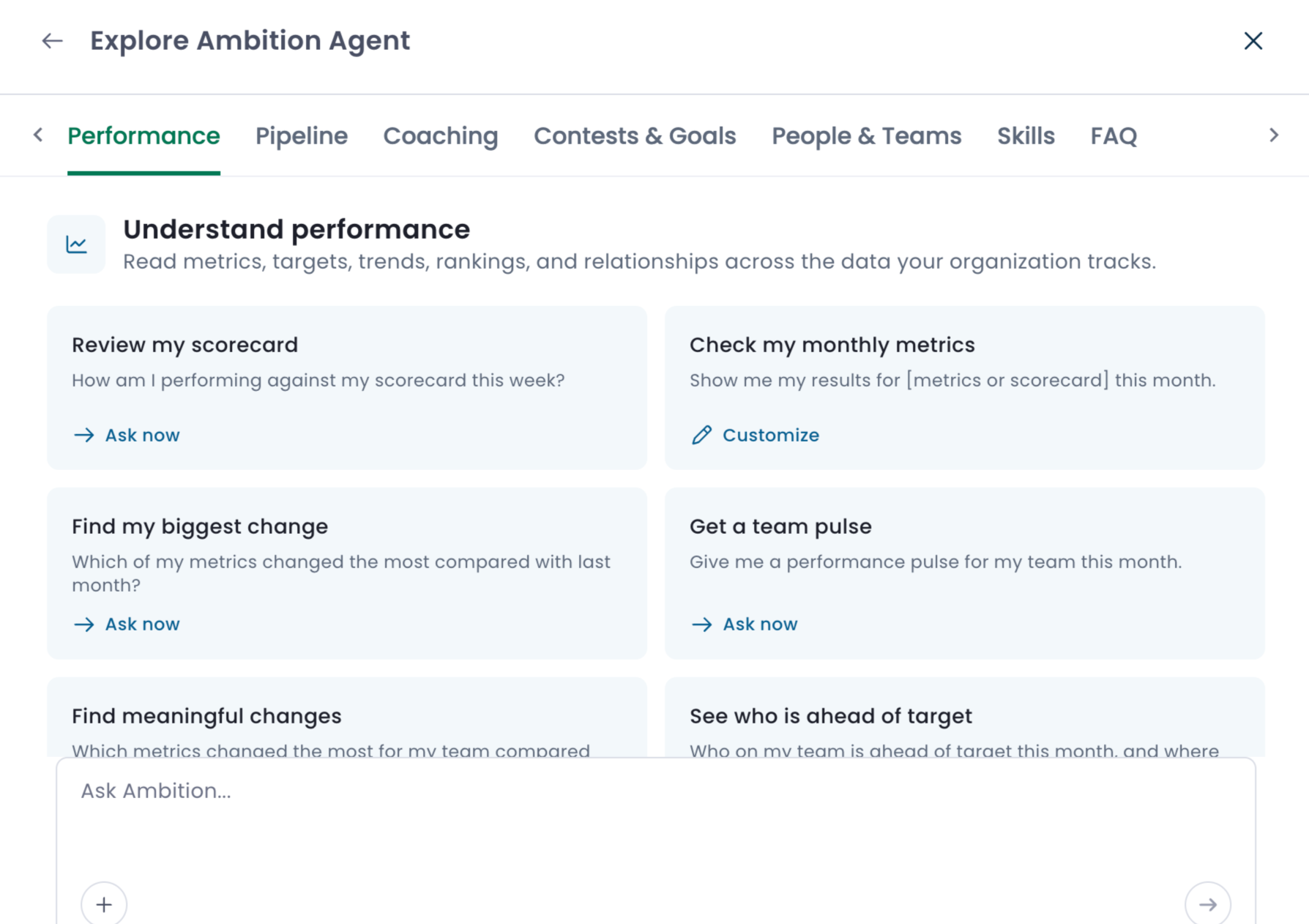
Additionally, you can click on any card with "Ask now" and the AI agent will run it automatically.
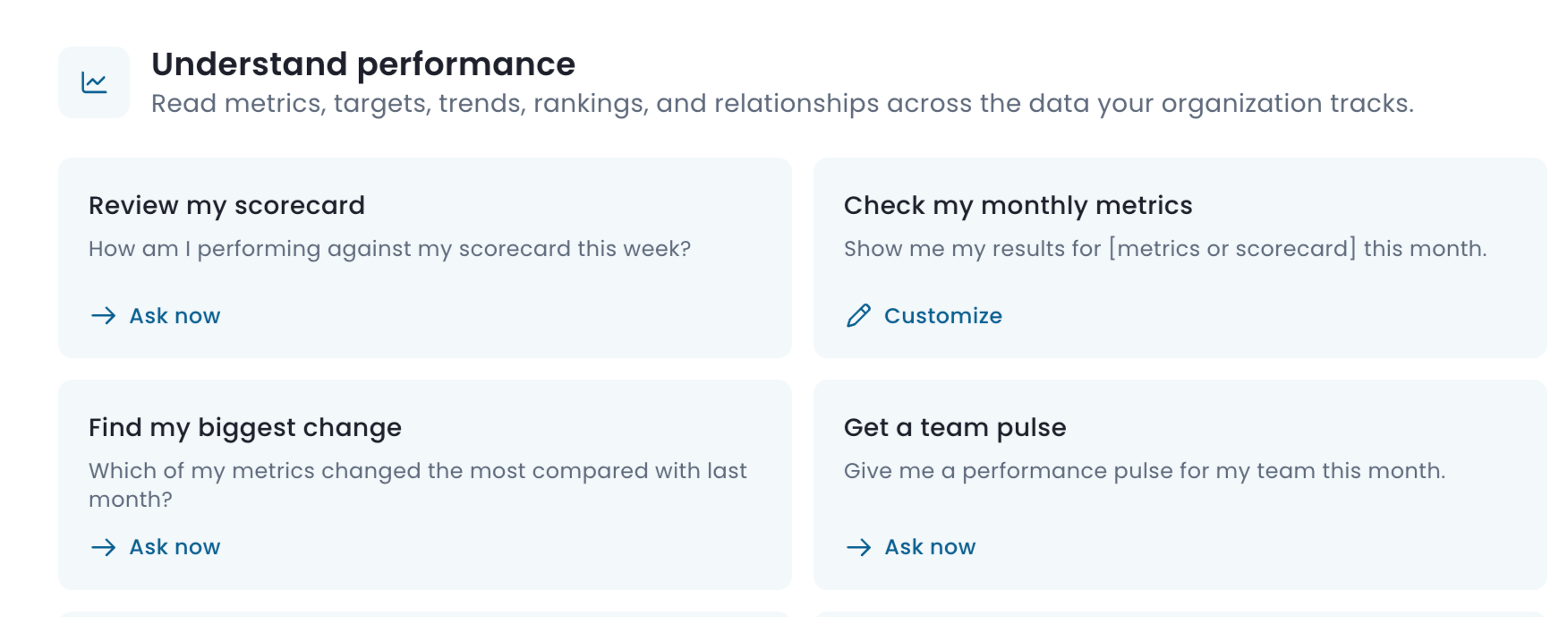
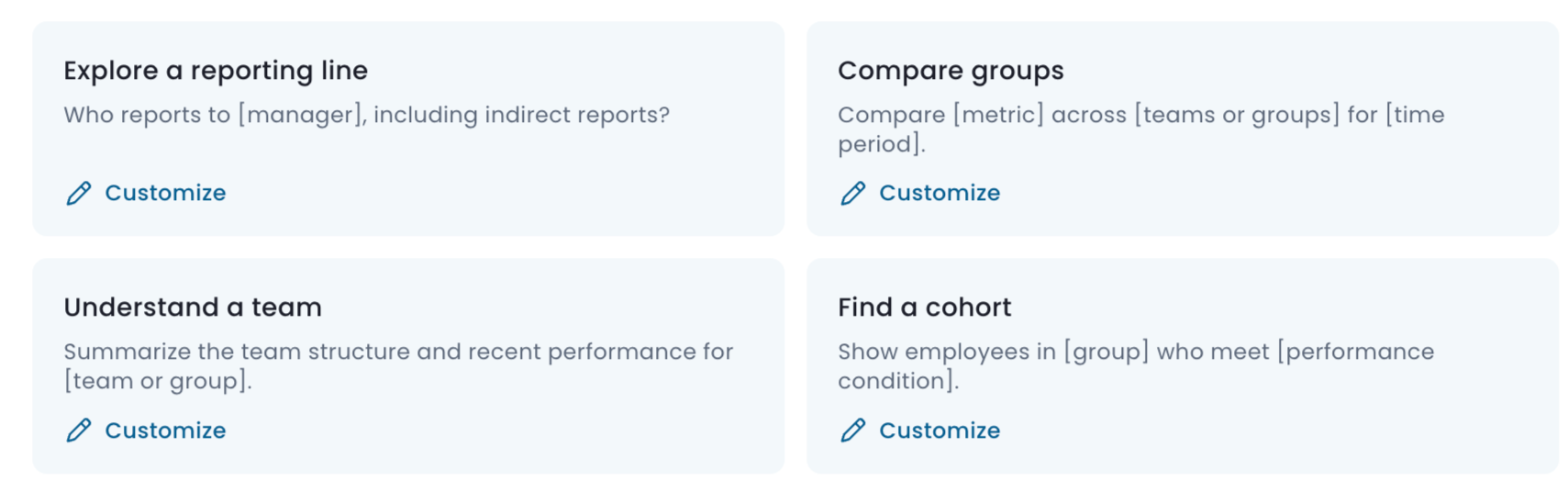
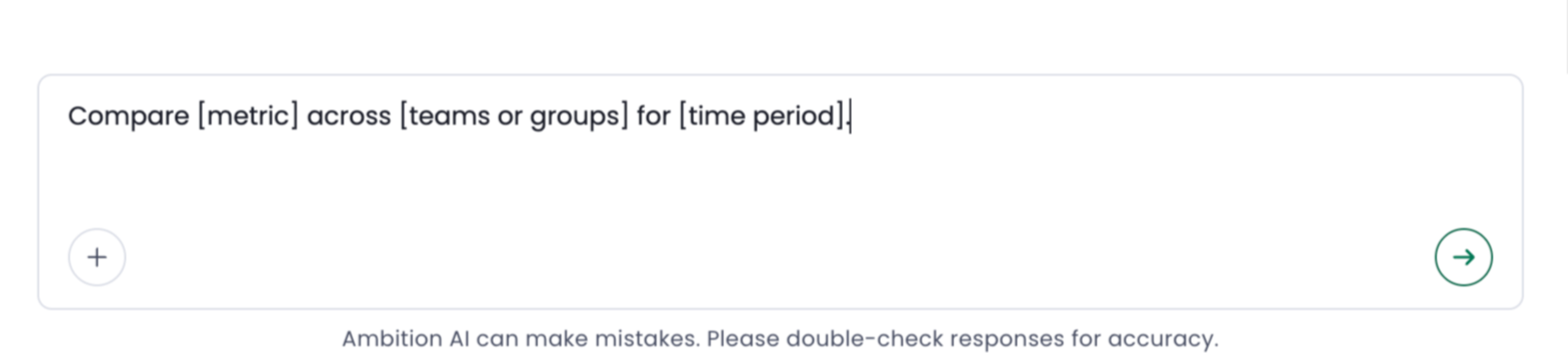
Clicking on any card that says "Customize" will add the prompt to the AI agent query window. Fields that you can customize will appear in brackets.
View metric calculation type
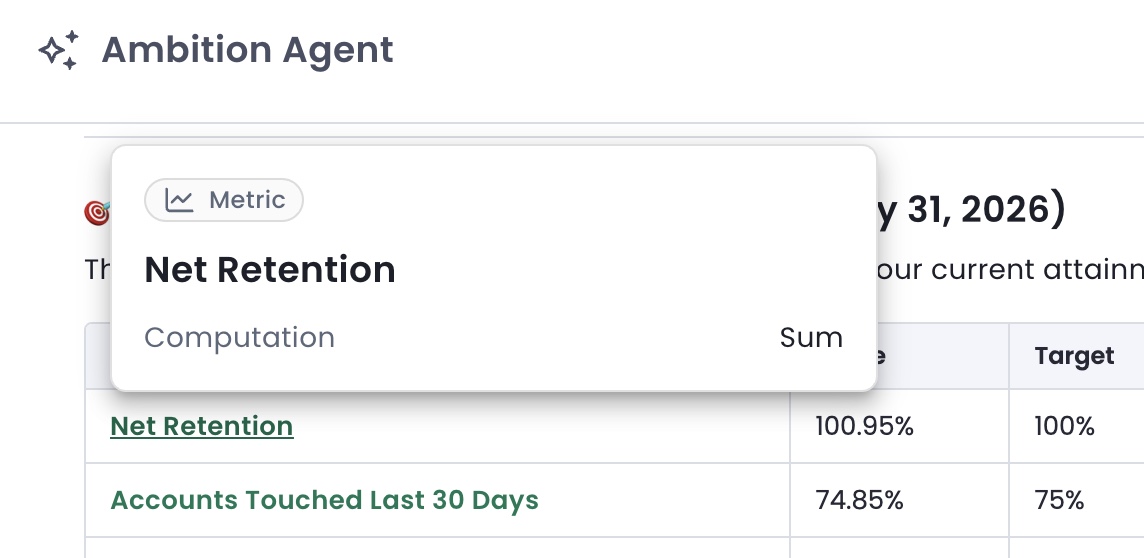
Whenever your query references a particular metric, you can now hover over that metric's name in the agent response.
This will generate a pop-up window that shows the metric's calculation type: sum or average.
View user and groups dashboards
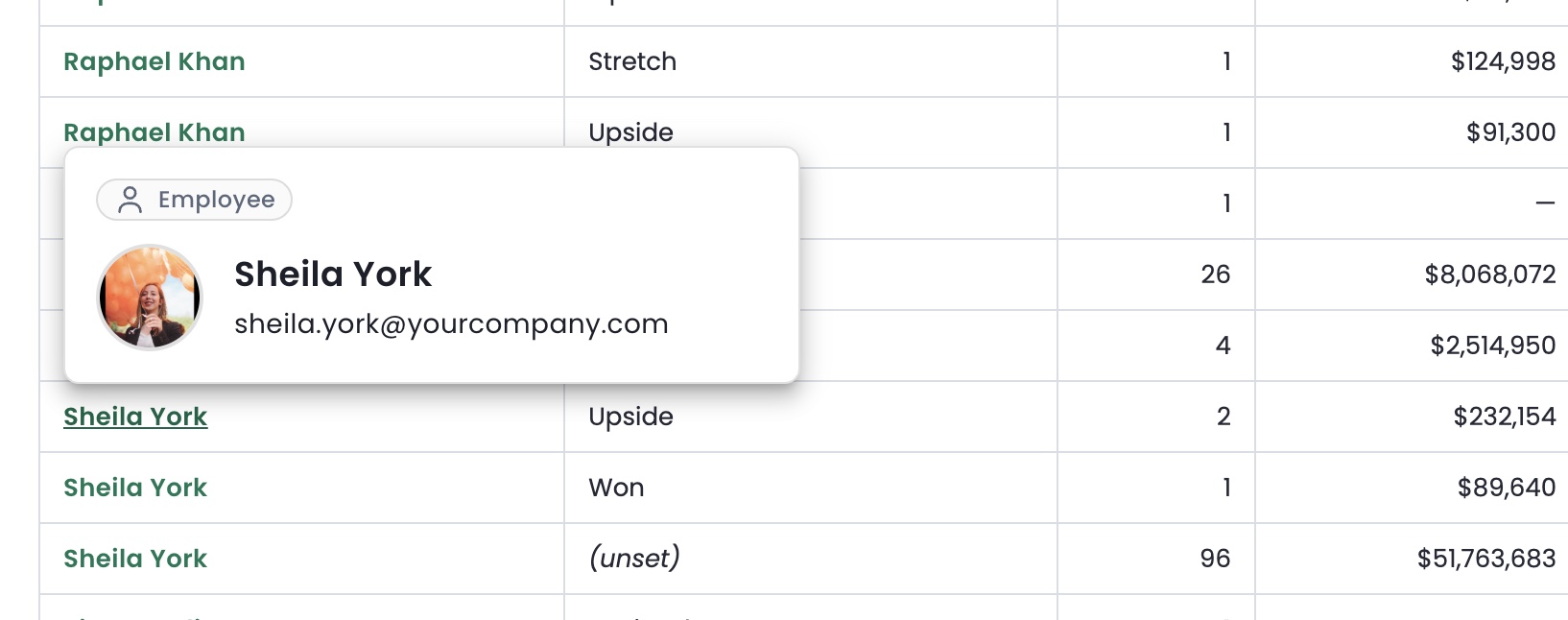
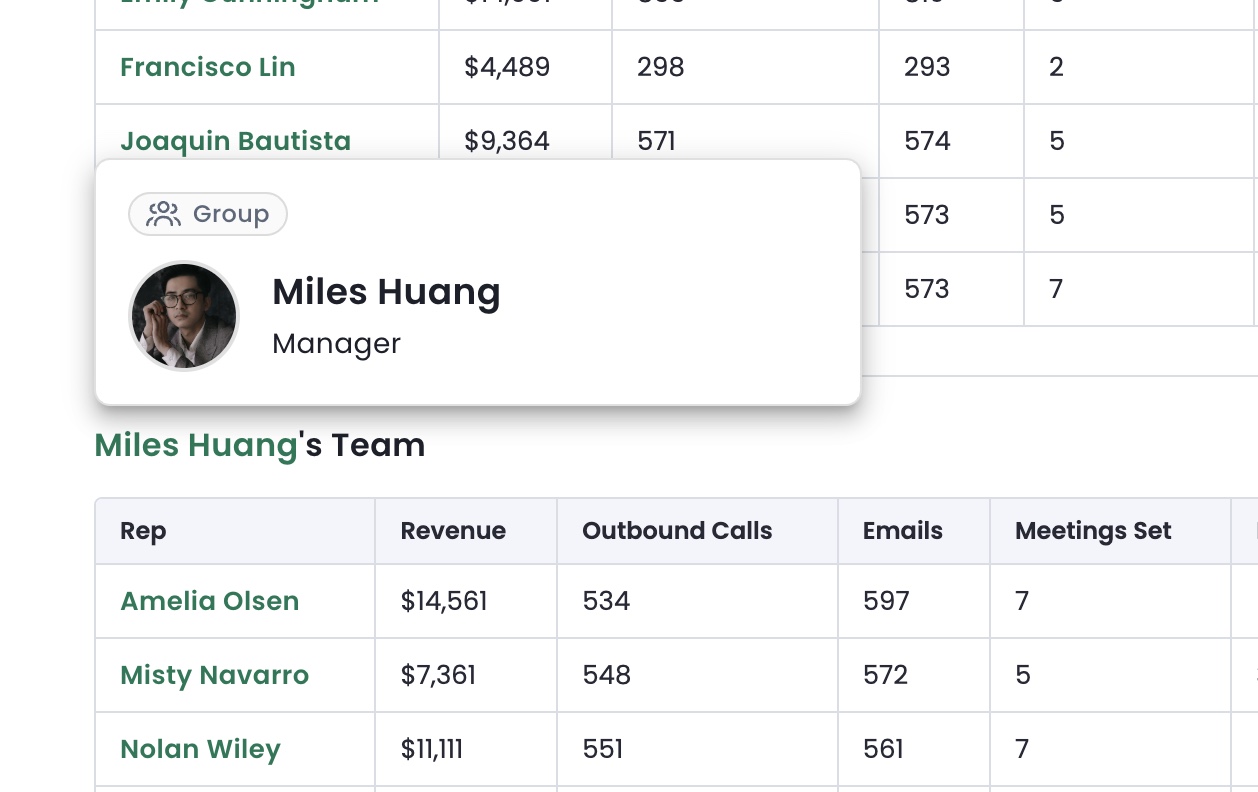
User and group dashboards will be hyperlinked within the agent's replies. Whenever you see a user or group name in bold green text, you can click on it to be taken to that person or group's dashboard.
Response calculation summaries and disclaimers
The Ambition agent includes small summaries at the end of its replies to highlight any disclaimers, caveats, or other key information, as in the examples below.



Inspect Work tab
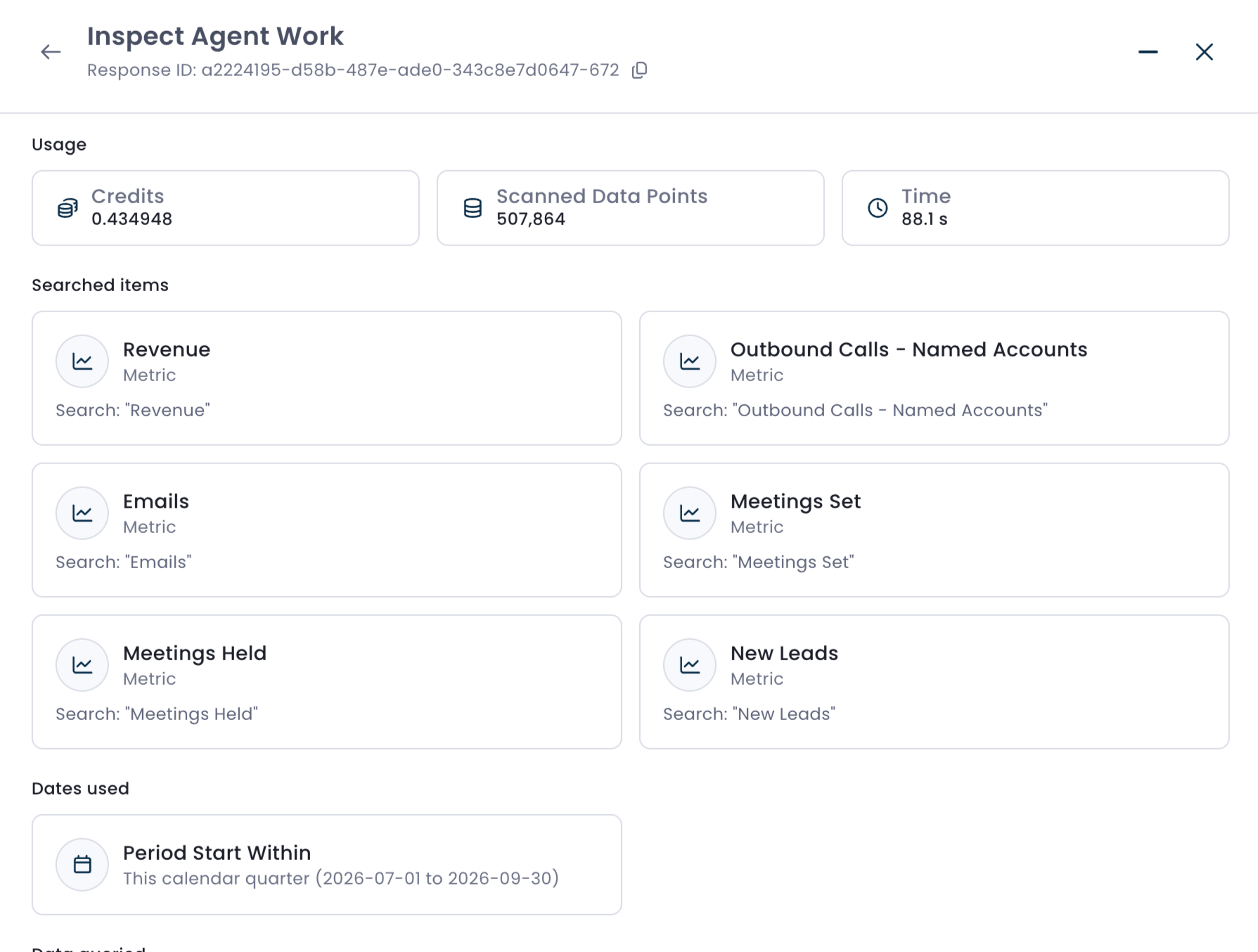
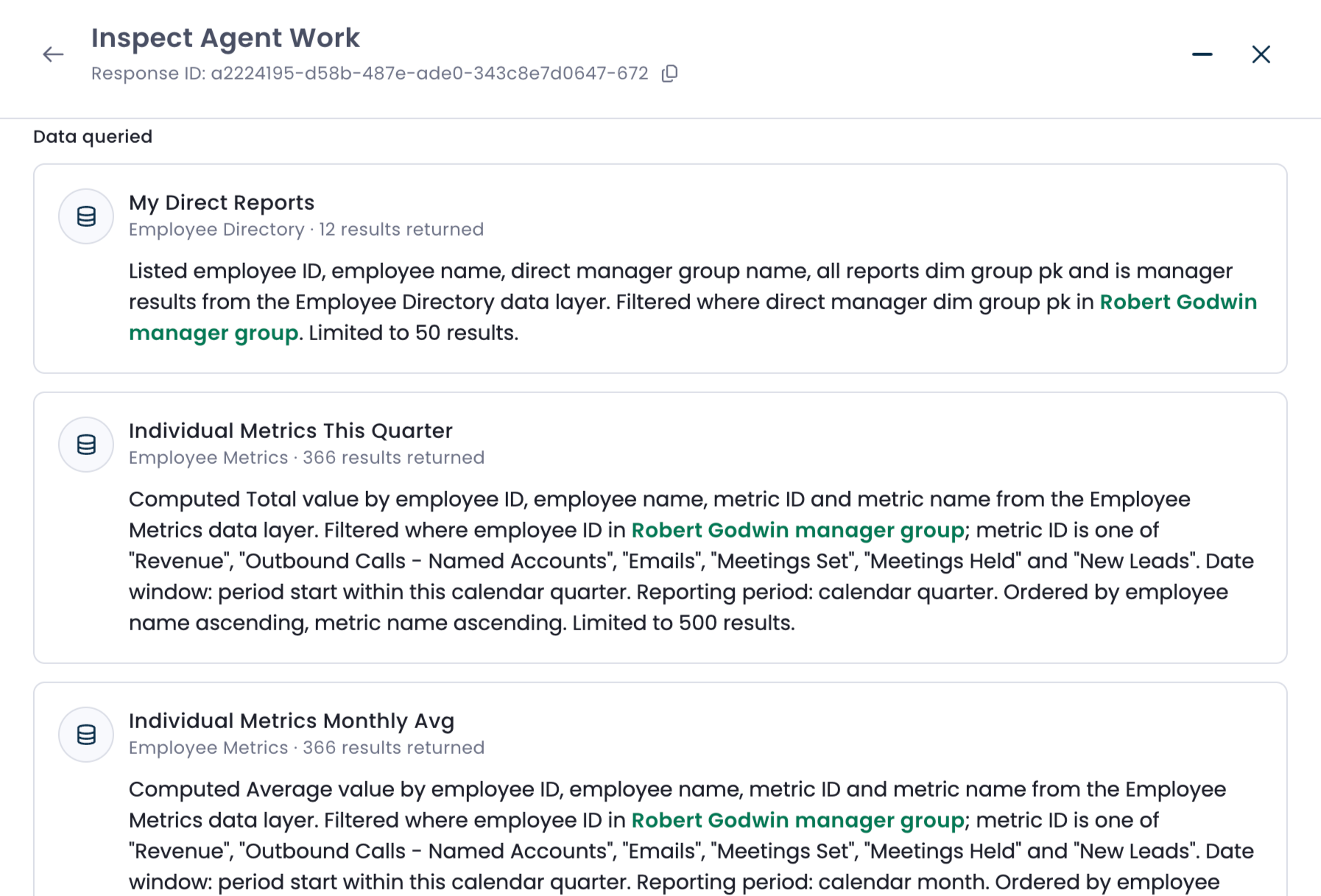
At the end of every agent response, you'll see a four icons. The icon of a piece of paper with a magnifying glass is the Inspect Work tab.

This tab will show you the data points the AI agent referenced when formulating its response. You can learn more about how to read the Inspect Work tab in this article.
The Inspect Work tab will contain different fields depending on the type of question you asked it. Common fields include:
Searched items (which users, groups, and/or metrics were referenced)
Dates used (date ranges for the query)
Data queried (backend databases, group configurations, etc)