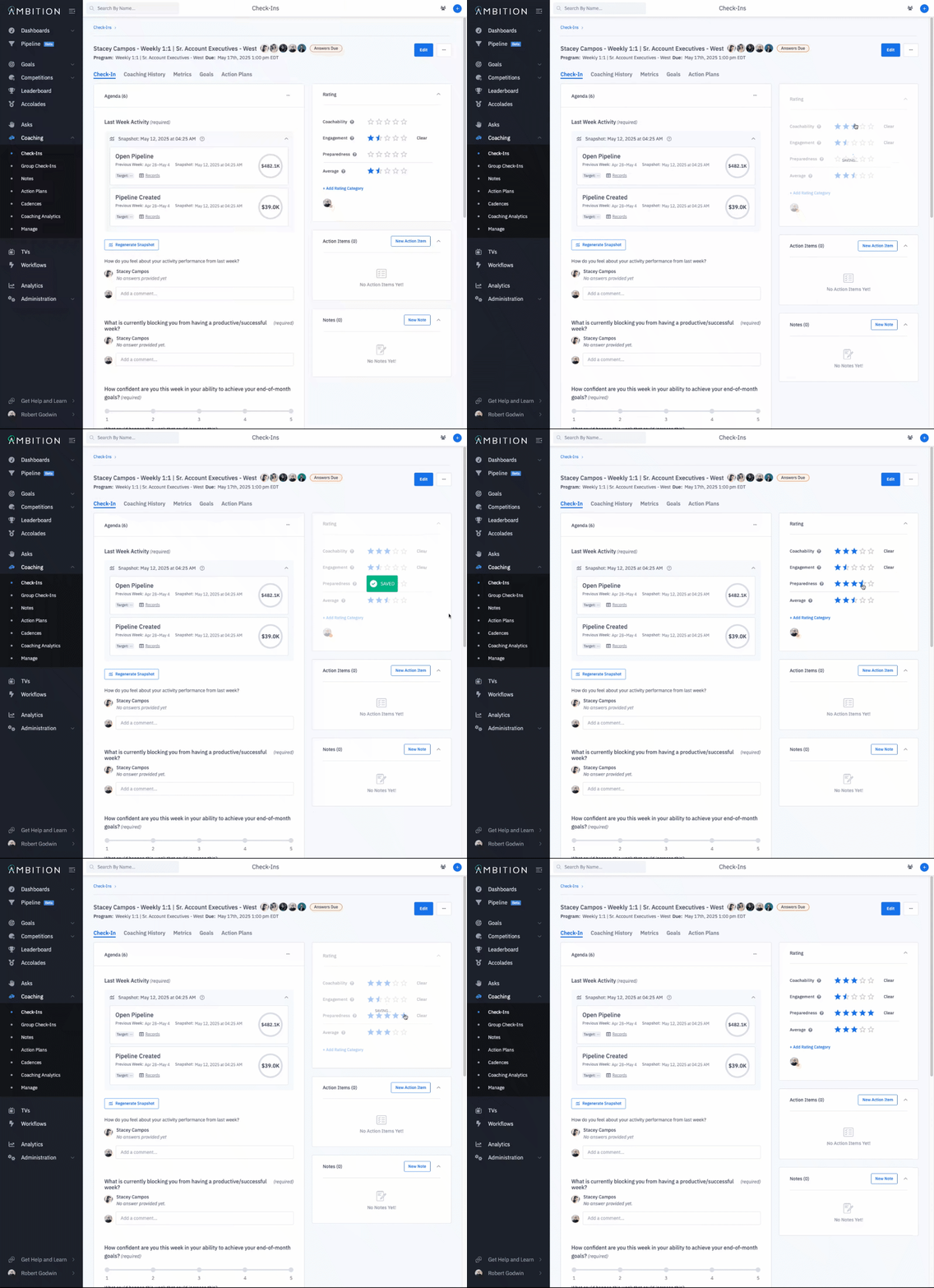
How do I rate a check-in?
Last updated: June 17, 2025
Rate Check-In
The manager associated with the check-in and any co-coaches assigned to the check-in will be able to rate a check-in.
1. Access the check-in that need to be rated.
Check-ins can be accessed through:
the left navigation > Coaching > Check-Ins
the left navigation > Coaching > Manage > Check-Ins
an employee or managerial dashboard > Coaching tab
2. Locate the "rating" section of the check-in.
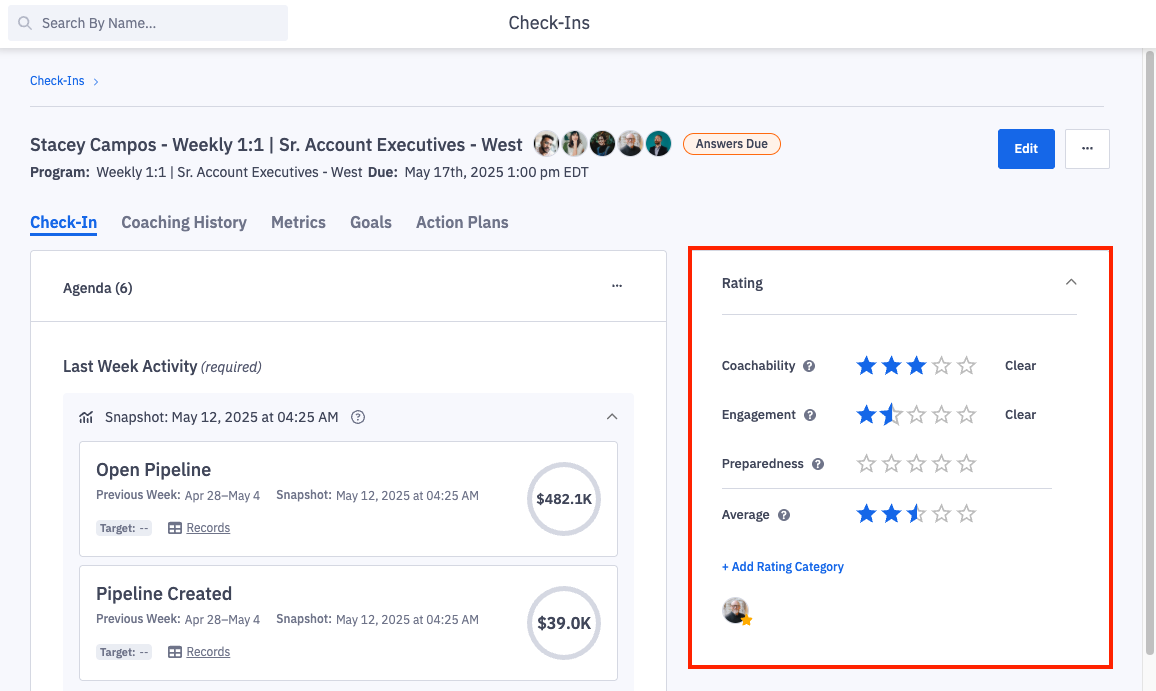
3. Click on the stars to indicate the rating for each category, 1-5.
You can select a whole or half star, ex. 4 stars or 4 and a half stars.
Ratings will automatically save, and the average rating will update as each category is rated. The name of the user(s) who rated the check-in will so display.