What information is accessed through the Slack integration?
Last updated: November 13, 2025
Slack Integration
Connect Slack and Ambition to drive employee motivation and recognition directly within your channels. Setup alerts for when employees hit milestones (100 Calls Today, New Closed/Won Deal) and leverage the Ambition Slackbot with our Slash Commands.
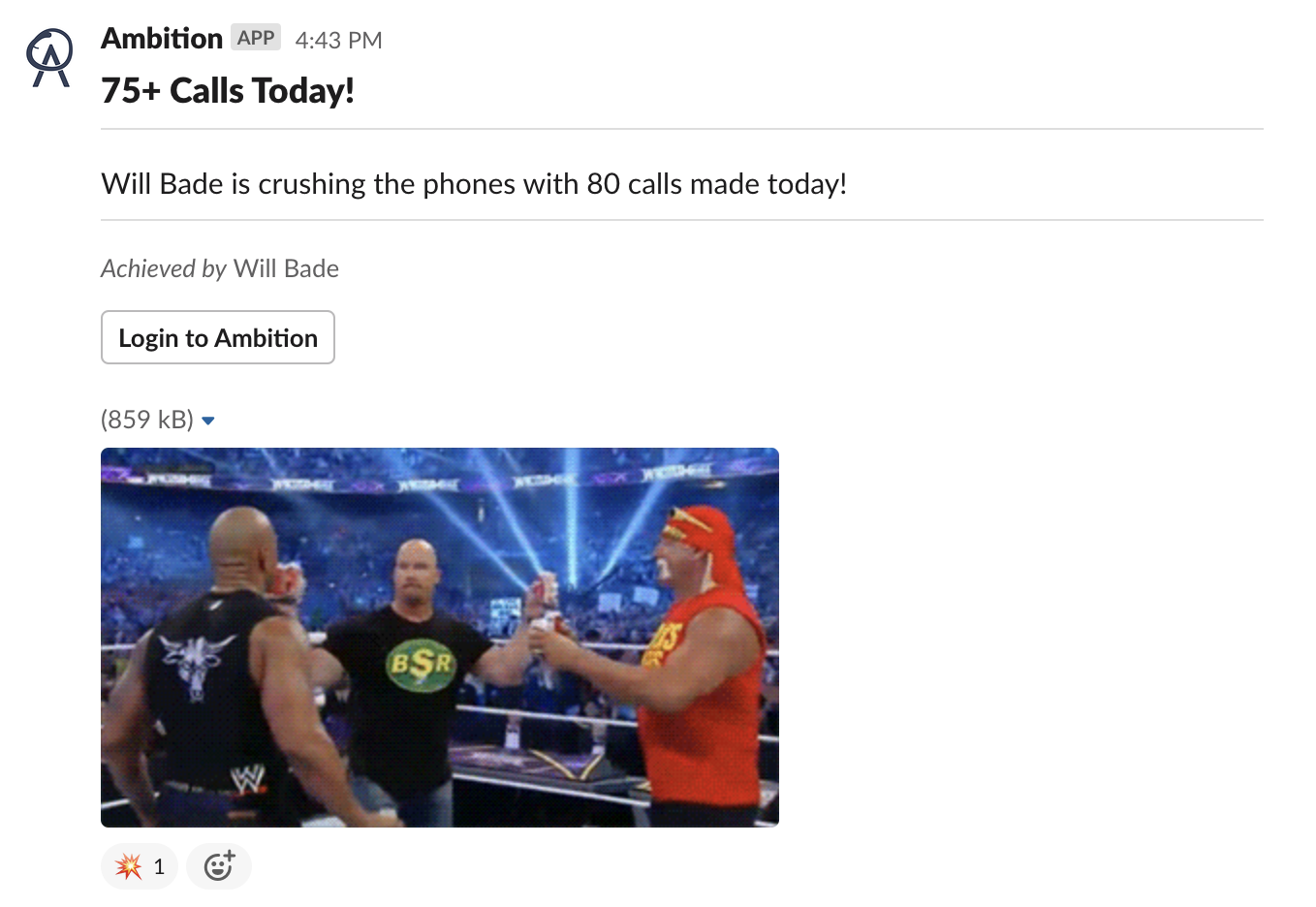
Ambition's Interactions with Slack
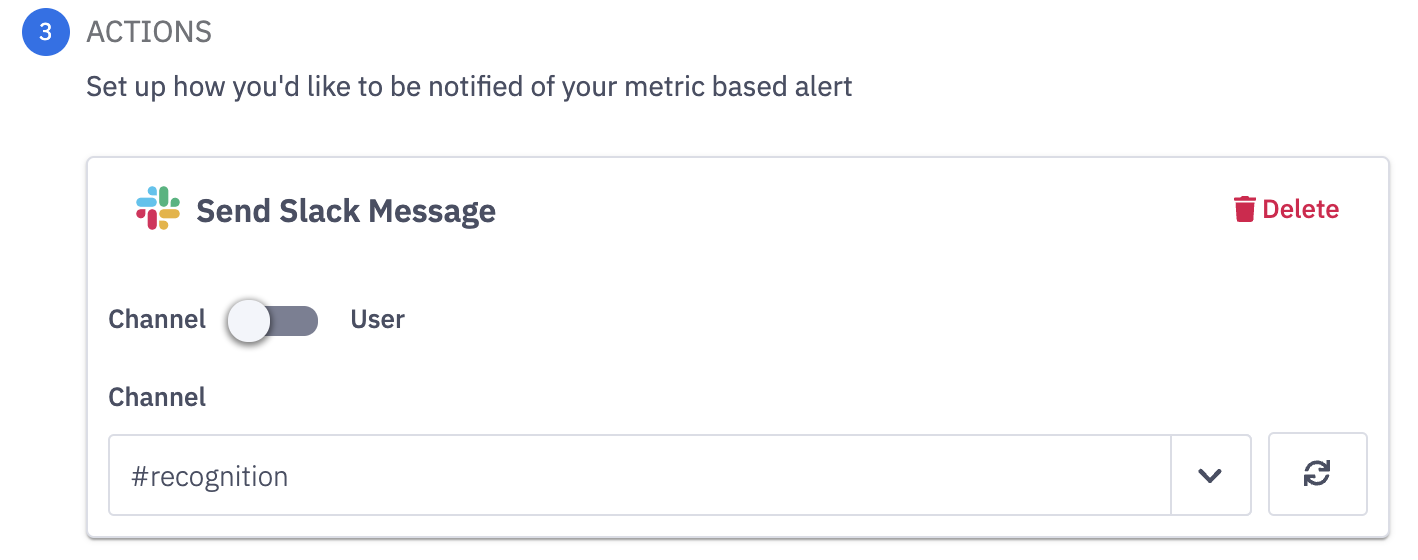
Slack alerts are established through Workflows. Ambition won't interact with or send anything to Slack that you don't explicitly setup.
For example, you can add Workflow logic to recognize employees who reach a 100+ Daily Activity Score and then send a Workflow notification to to alert the #recognition channel.
Slack Authorization Types
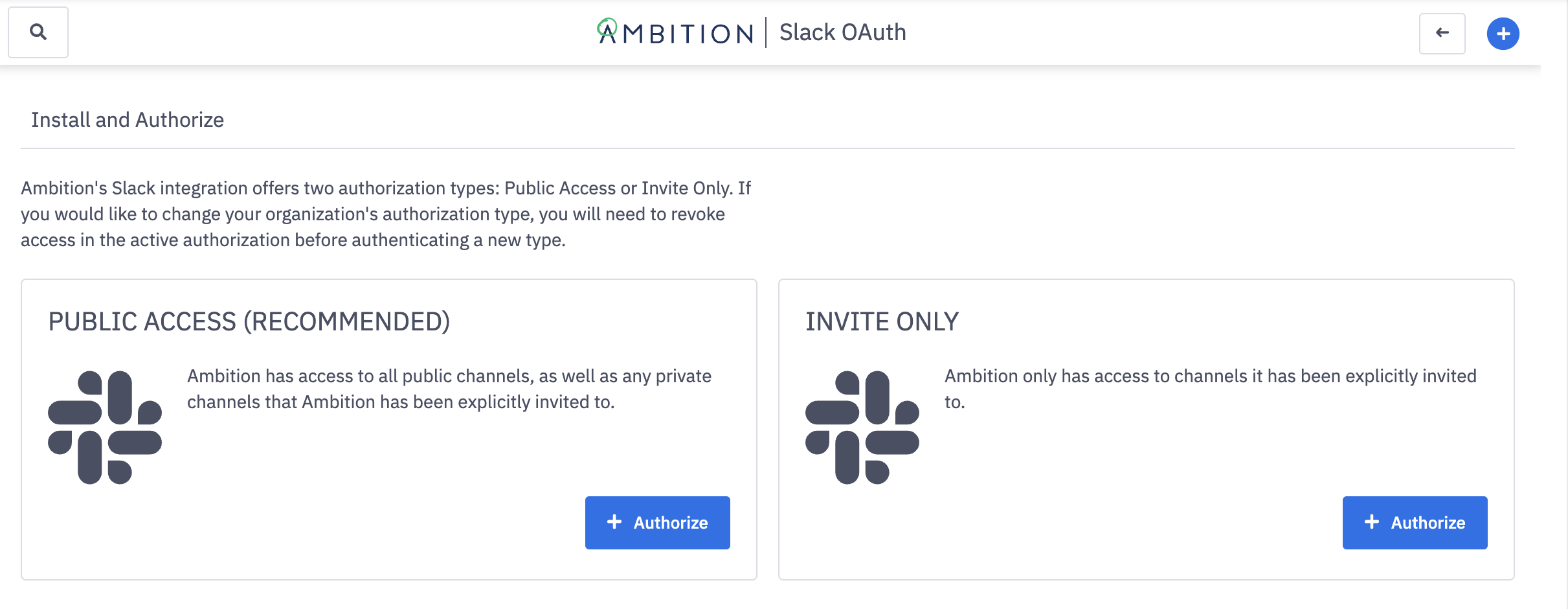
The Ambition Slack integration offers two authorization types which impact the scope of the integration:
Public Access (Recommended): Ambition has access to all public channels, as well as any private channels that Ambition has been explicitly invited to.
Invite Only: Ambition only has access to channels it has been explicitly invited to.
Security
Information We Access/Store
What We Access | What We Store |
Channels | Channel Names we have access to (dependent on authorization type), Slack ID |
User | Name, Email (to connect with their Ambition Email), Slack ID, Is_Active |
Message History | Only messages that the Ambition integration posts We do NOT collect/store messages posted by Users We do NOT access existing channel messages |
Why This Data Is Stored
Channel Names are necessary to populate the Workflow notification dropdown menu.
User Emails are necessary to connect Slack Users with Ambition Users so that we can @tag them within Ambition's Slack posts.
Scopes We Need
Bot Token Scopes | Bot Token Scope Description |
channels:read | View basic information about public channels in the workspace |
chat:write | Send messages as @ambition |
chat:write.public | Grant access to public channels (we do not request this scope with the Invite Only authorization) |
commands | Add shortcuts and/or slash commands that people can use |
groups:read | View basic information about private channels that Ambition has been added to |
reactions:write | Add and edit emoji reactions |
team:read | View the name, email domain, and icon for workspaces Ambition is connected to |
users:read | View people in the workspace |
users:read.email | View email addresses of people in the workspace |