What makes up a TV?
Last updated: June 25, 2025
TVs
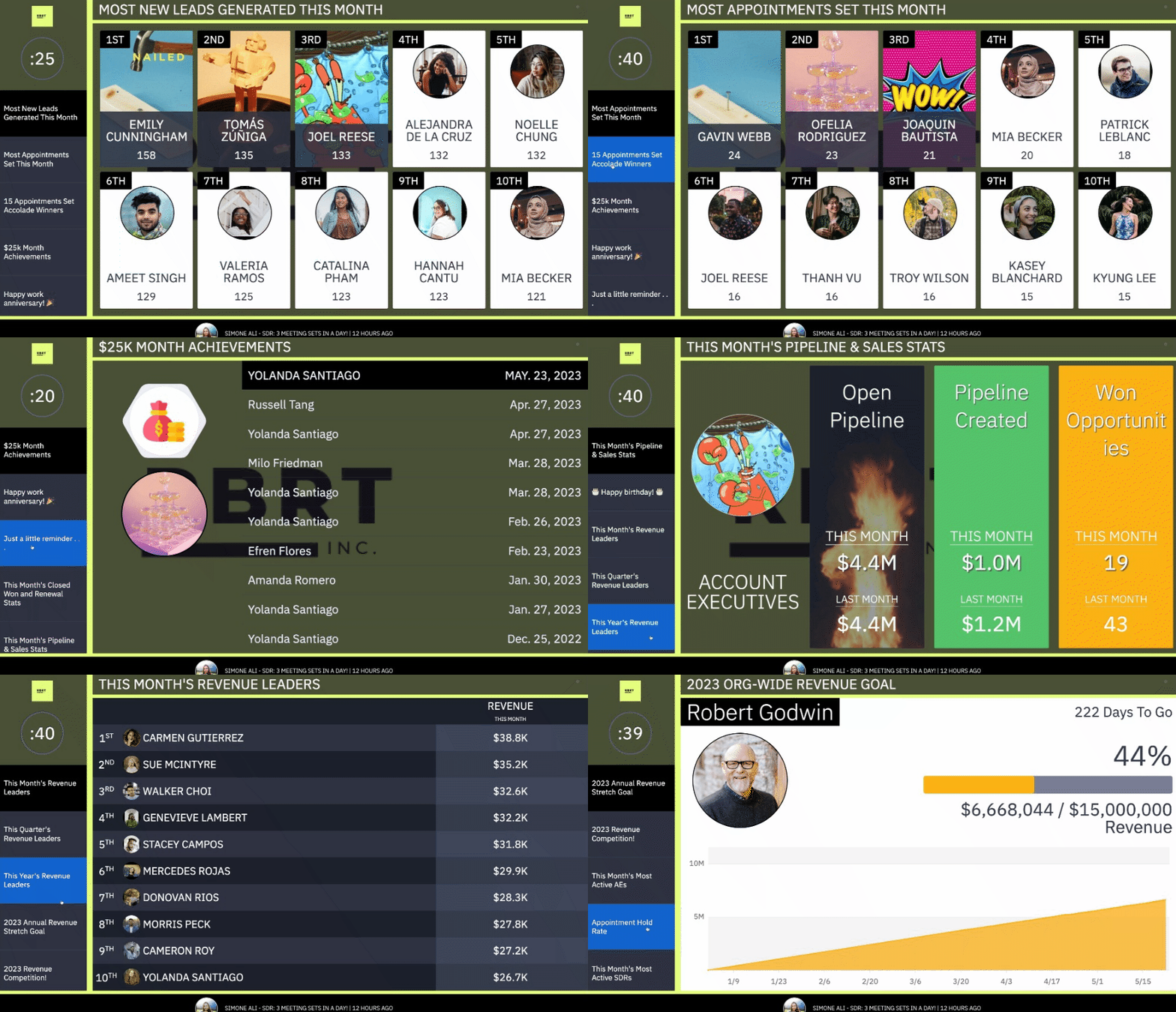
Leaderboards, competitions, goals, videos, images and even third-party embedded content can be displayed across your office walls or on personal devices while working at home.
Basics
TVs are 100% responsive—meaning it will scale fluidly across screen sizes and formats from an iPad to the latest and greatest 5k TV.
However, at this time we do not recommend hanging TVs vertically.
🏠 TV URLs can be viewed on personal devices while working at home!
Slides
A TV consists of slides that form a rotating carousel. There are a variety of slide types available. 📄 What types of TV slides can I create?
While there is a minimum of two slides required for normal operation, there is no maximum.
Slides can be created per-TV, or if there is content that you want to distribute to multiple TV while also being able to centrally manage the content (have full control over editing, adding, and removing the slide), you can create "Shared Slides". Learn more here. 📄 How do I create and edit a shared slide?
TV Ticker → Quotes and Workflows
Quotes
Each TV features a ticker across the bottom of the screen where you can include motivating quotes, inside jokes, and everything in between.
Workflows
A TV can also display workflow notifications so that reps can be recognized for reaching specific metric thresholds.
The last 20 workflows that have fired on each respective TV, will also be viewable across the TV ticker that way no rep misses out on being recognized as many times as possible!
Security
TVs can be accessed via login credentials or an "obfuscated" URL address that bypasses authentication. 📄 How can I display a TV if my device doesn't support password-based authentication?