How do I set my GIF?
Last updated: August 14, 2025
Set your Ambition GIF
Users with "Users: Edit - Can Edit Self" permission will be able to set/edit their GIF.
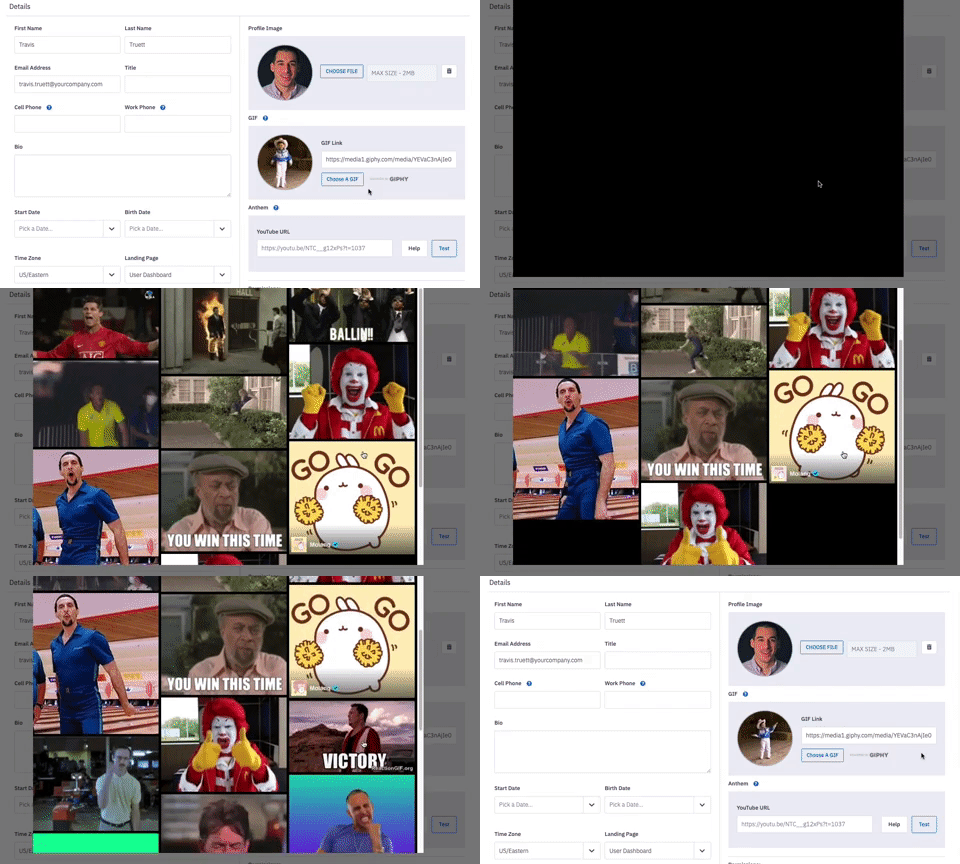
A custom GIF adds extra personalization to your profile image, presence on leaderboards, and any Slack or Microsoft Teams workflows that are recognizing you!
If a GIF is set, it will reveal itself:
When your profile image is hovered over on in-product leaderboard.
On in-product leaderboards or card style TV leaderboards when you're in the Top 3.
When you are in 1st place within an Ambition competition, your GIF will appear in the competition interface as well as a competition TV slide if applicable.
If your organization uses our Slack, Microsoft Teams, or Zoom Integration, this GIF will be displayed within Slack, MS Teams, or Zoom Workflows you initiate.
If an employee does not have a GIF set, one of GIFs from the GIF Library will display.
Add a GIF using the GIPHY Integration
If the GIPHY feature is not enabled for your organization, please reach out to your organizational admin or gethelp@ambition.com. The GIPHY Integration is pre-filtered as PG-13.
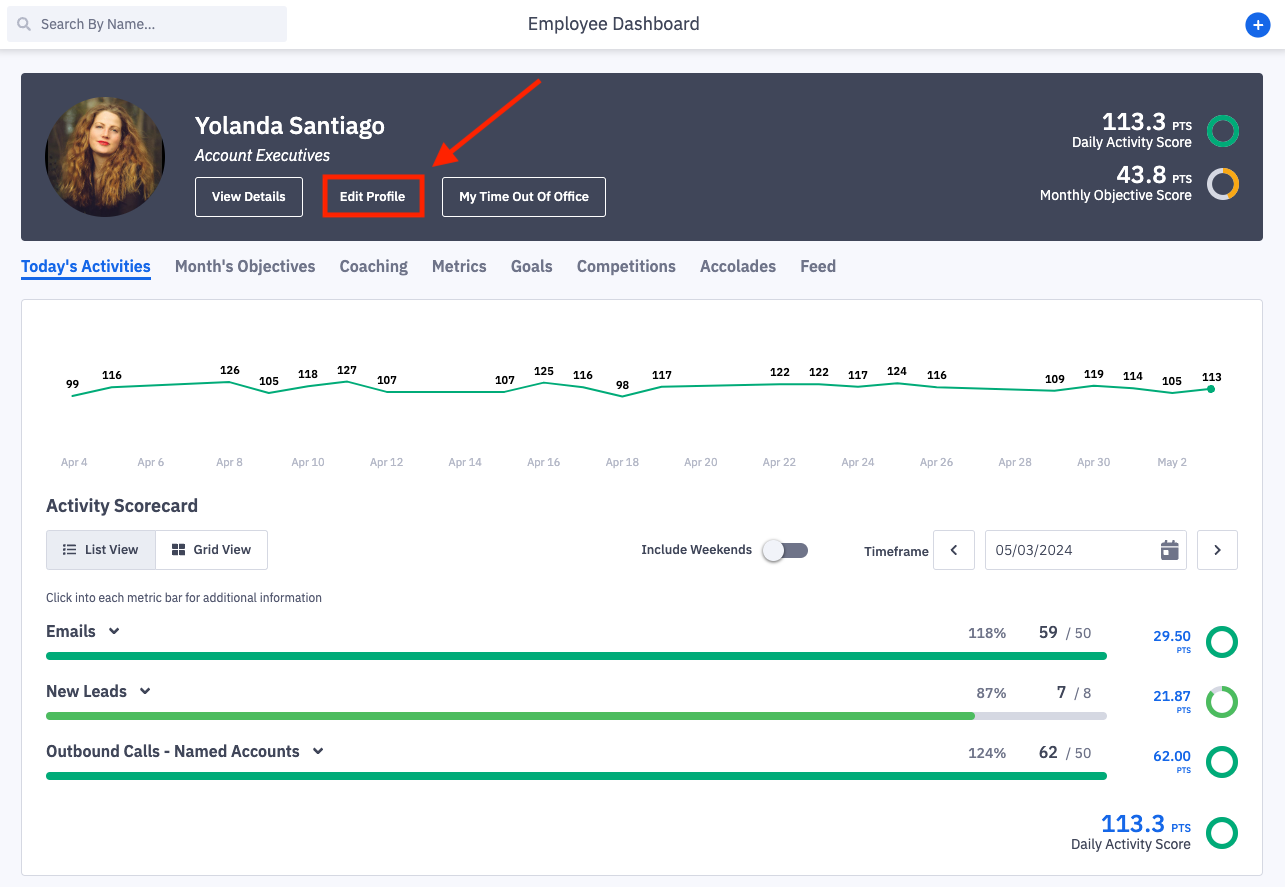
1. Click Edit Profile on your personal dashboard.
You will be navigated into user settings.
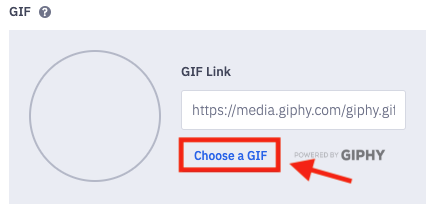
2. Locate the the GIF section of your settings, click the Choose a GIF Button.
3. In the GIPHY window, search for and select the perfect GIF.
4. Click the Save Changes button at the bottom of the page to save your GIF choice.

Add a GIF Manually from GIPHY
1. Find your desired GIF on Giphy.
2. Click the Copy Link option found to the right of the GIF.

3. Navigate back to Ambition, and click Edit Profile on your personal dashboard.
You will be navigated into user settings.
4. Locate the the GIF section of your settings. Paste the GIF Link into the GIF Link field.
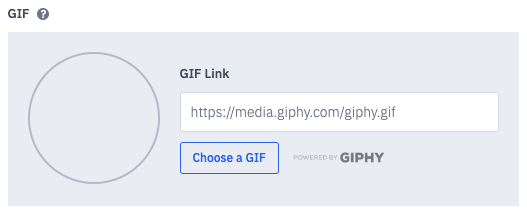
After you paste your GIF Link into the field, a preview of your GIF will play:
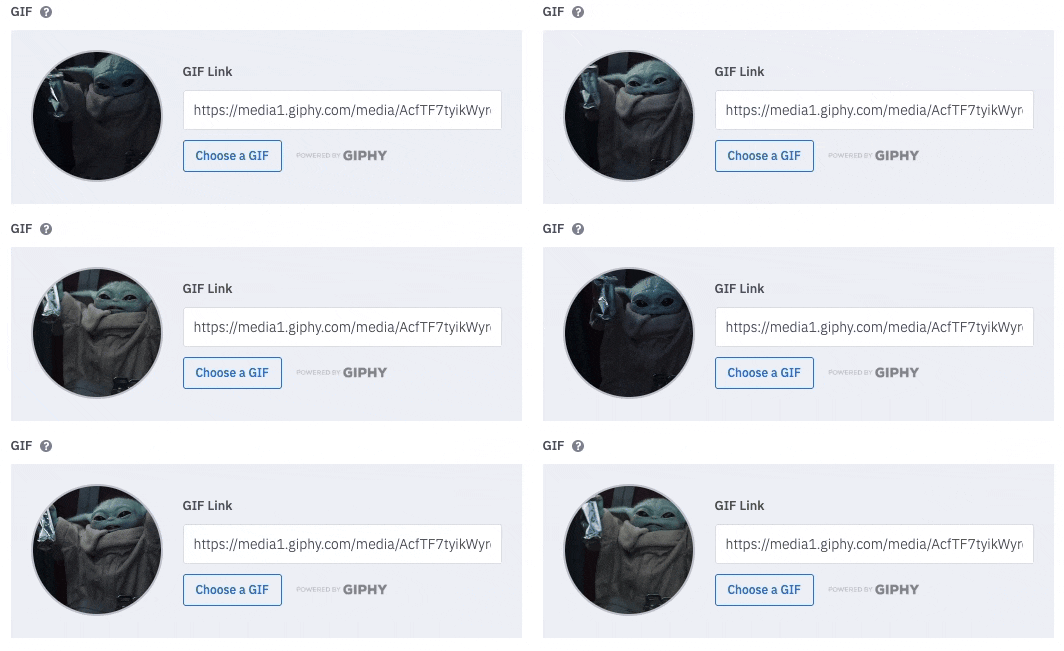
5. Once satisfied with your GIF, click the Save Changes button at the bottom of your settings.