Which Agenda Items Can I Use in Sessions, Programs, and Cadences?
Last updated: August 12, 2026
Ambition's coaching events offer multiple question types (called Agenda Items) to facilitate your coaching conversation. Agenda items are used to build conversations in one-on-one Sessions, Group Sessions, Programs, Cadences, and coaching Templates.
This article offers a brief introduction into each of the Agenda Item types.
One-on-One Session Agenda Items
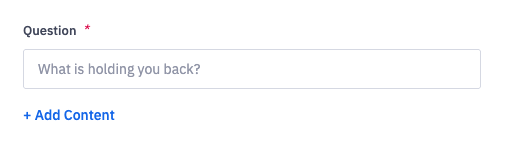
Question
The Question Agenda Item allows the employee to answer a question in the coaching conversation. There is no character or word limit for a Question responses's length. Check out our list of recommended questions for your one-on-one Sessions.
Metric Snapshot
Required features:
The Coaching: Metric Snapshot Item must be enabled to use this Agenda Item type.
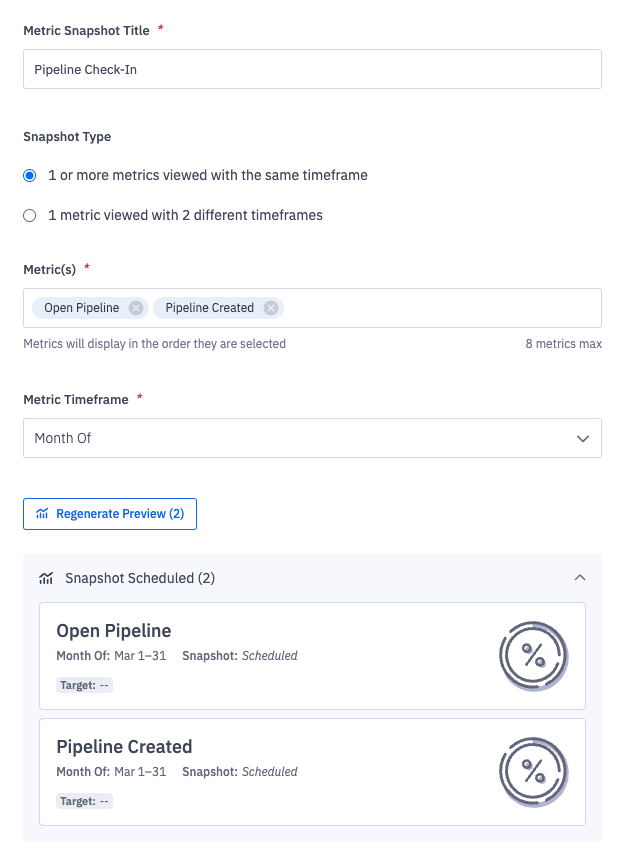
You can snapshot up to eight metrics across a single timeframe or one metric across two timeframes in a single Agenda Item.
The Metric Snapshot Agenda Item can be regenerated for situations when metric values were updated after the snapshot was taken or if the metric was deleted.
Reprocessing the snapshot does not alert the employee or manager that a change has been made. However, the employee will be alerted if the manager adds or edits an Agenda Item to a specific Session.
Pipeline Snapshot
Required features:
The Pipeline Intelligence: Pipeline Views feature must be enabled to use this Agenda Item type.
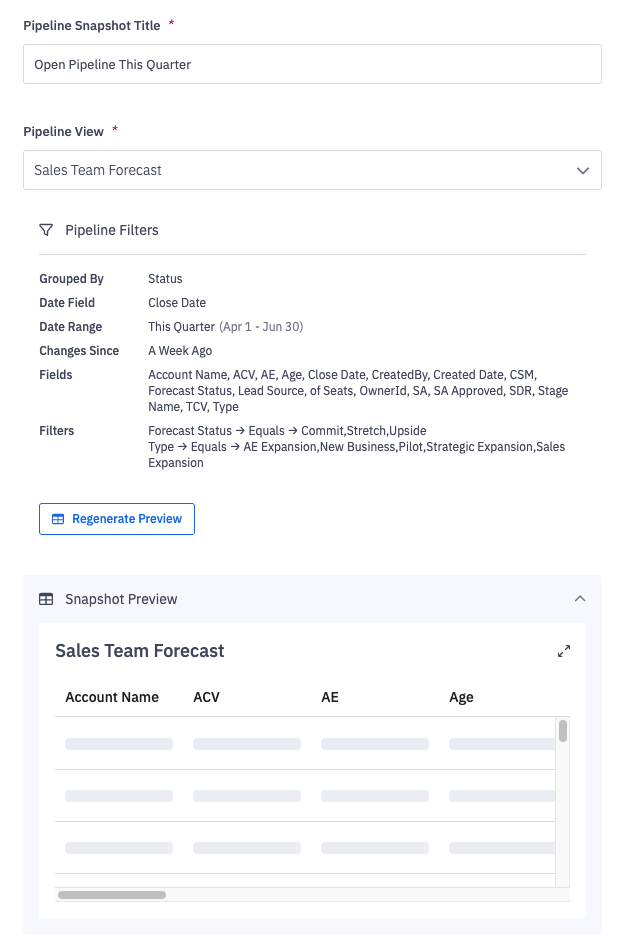
A question for the employee to answer that is built upon a preconfigured pipeline view or template.
Feedback
Note:
The Feedback Agenda Item can only be used in one-on-one Sessions and Programs created for a single employee. It's not available for Group Sessions, Programs created for multiple employees, Cadences, or Templates.
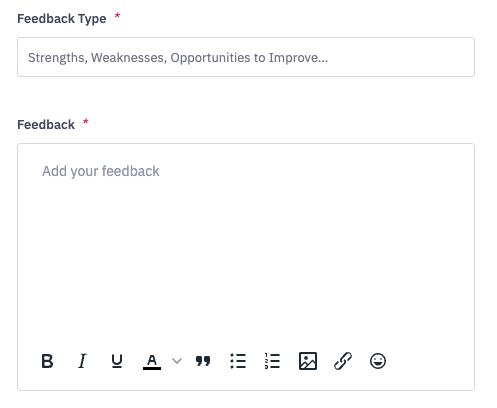
The Feedback Agenda Item can be used to provide a list of strengths, weakness, areas of improvement, or any other topic. The employee will be prompted to acknowledge the manager's feedback and can comment on the topic.
Content Block
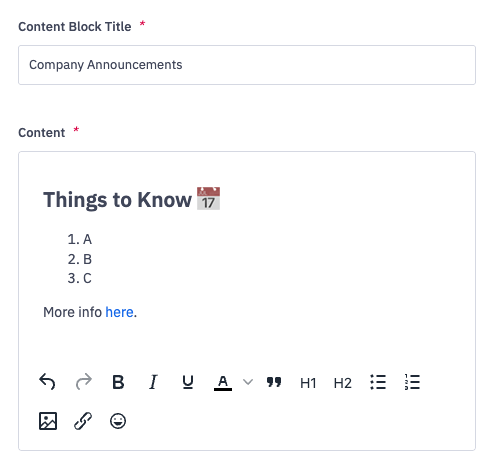
The Content Block Agenda Item is a rich text editor that allows managers to provide additional information or context to their coaching agenda. It can be used to give more information about the coaching program initiative, to provide company updates, or link to third-party URLs.
The Content Block Agenda Item supports multiple formatting options, including headers, bullet points and numbered lists, custom text colors, and file uploads.
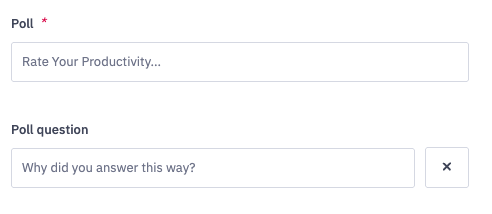
Poll
The Poll Agenda Item asks employees to rank their sentiment or feelings towards a given question.
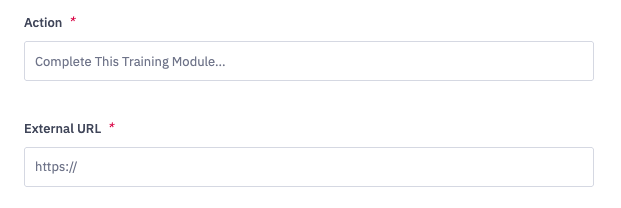
External URL
The External URL Agenda Item provides a link to a third-party item for the employee to review, complete, etc. Common uses for the External URL Agenda Item are to link to training materials, HR content, and data reports stored outside of Ambition.
The employee and manager are both responsible for marking this Agenda Item as Complete.
Embed Media
Note:
If you are embedding a Google Sheets URL, we recommend embedding a URL generated through the "Publish to web" share option rather than "Share with others". Click here to learn more.
The Embed Media Agenda Item allows teams to iframe content, dashboards, and videos from third party websites so that you can reference data and materials housed outside of Ambition during your coaching conversations.
Ambition customers have used the Embed Media Agenda Item with Microsoft PowerBI, Google Sheets, Chorus.ai, YouTube, and Vimeo, among other tools.
Not all platforms allow their webpages to be embedded into other software tools. If you are unable to view content for a certain URL when using the Embed Media Agenda Item, that means that either your internal IT team blocked iframing for this page or the website itself forbids iframing.
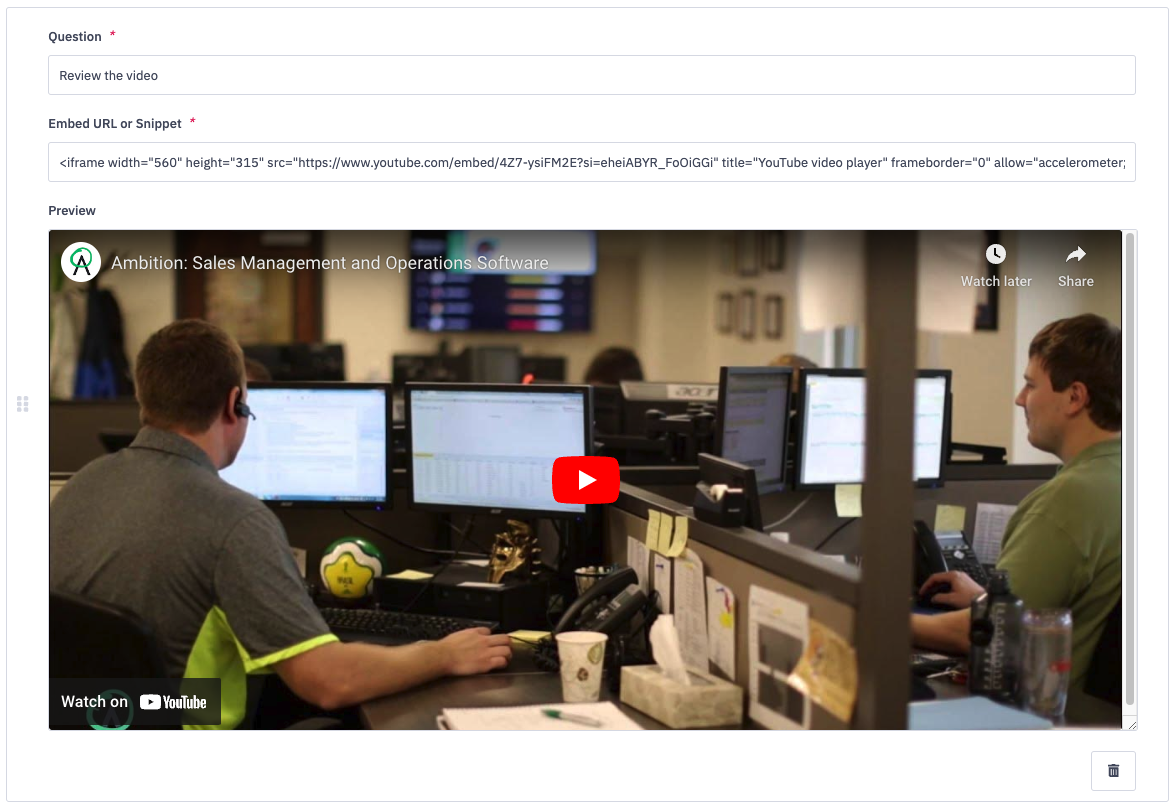 Video Embed | 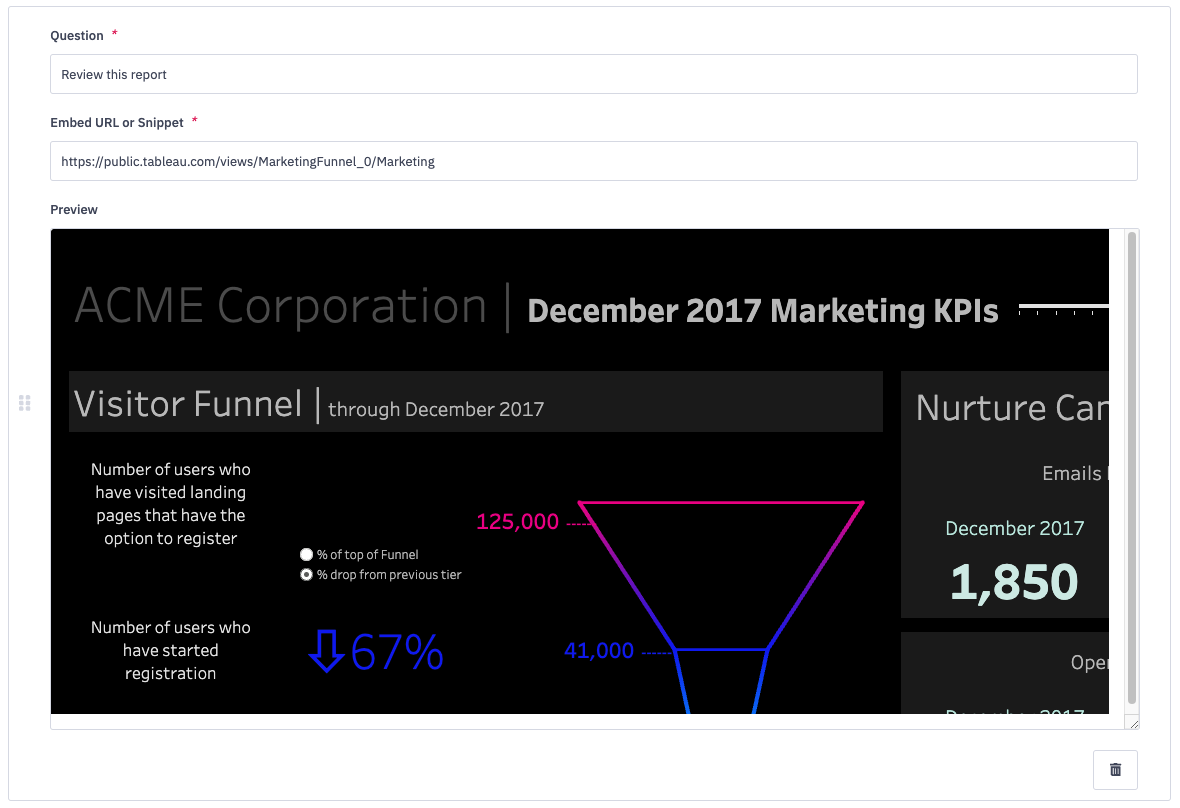 Website Embed |
File Upload
Note:
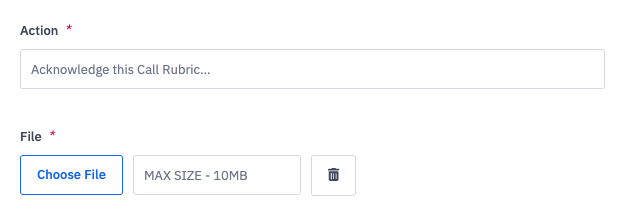
The File Upload Agenda Item can be used in one-on-one Sessions and Programs. It cannot be used in Cadences, Group Sessions, or Templates.
The File Upload Agenda Item requires the employee to take action on an accompanying file. The employee will be prompted to acknowledge the uploaded file. The max file size is 2MB.
Checkboxes
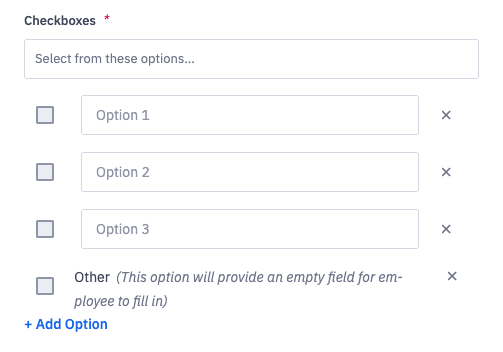
The Checkboxes Agenda Item provides a list of options that the employee may choose from. They can select one, several, or all boxes. There is also an Other option that will prompt the employee to leave a reply in a text field.
Multiple Choice
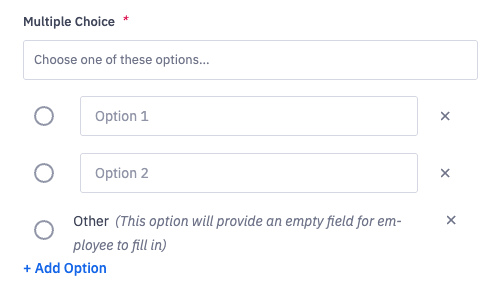
The Multiple Choice Agenda Item allows employees to choose one option from a list.
This Agenda Item type also includes an Other option, which will then prompt the employee to leave a short reply in a text field.
Gong Calls
Required features:
The Gong integration must be enabled and authorized to use this Agenda Item. Click here to learn more.
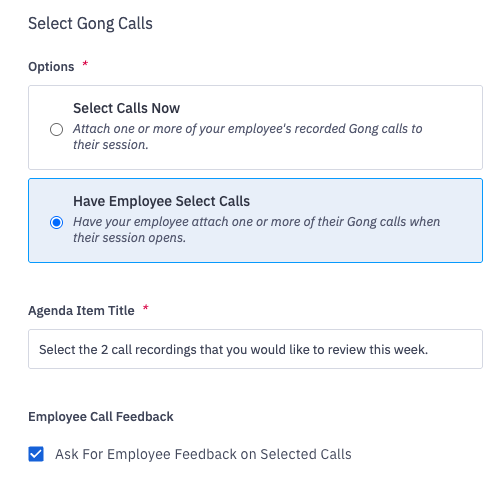
The Gong Calls Agenda Item allows a manager and employee to select recorded Gong calls for further discussion. These calls can be searched or filtered for, and are directly attached to the coaching Session. The Gong recordings where they can be watched from the coaching Session page.
There are two options for uploading Gong calls to a Sessions:
The manager can click on Select Calls Now to pick a call(s) to discuss during their one-on-one. This option is only available for standalone one-on-one Sessions.
The manage choose to the Have Employee Selects Call option to request that the employee choose the call to be reviewed. This option is available for standalone one-on-one Sessions, Programs, Cadences, and Individual Templates.
Zoom Calls
Required features:
The Zoom integration must be enabled and authorized to use the Zoom Calls Agenda Item. Click here to learn more.
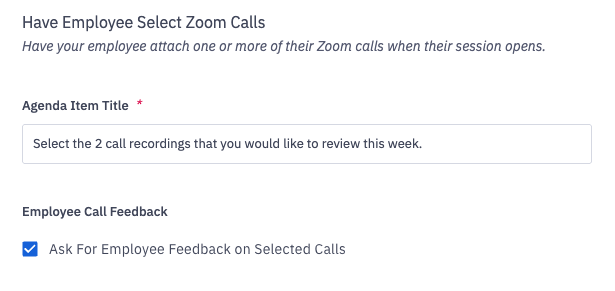
The Zoom Calls Agenda Item requests for an employee to attach a recorded Zoom meeting for review and discussion with their manager. Employees
The Session manager can use the Ask For Employe Feedback On Selected Calls checkbox to request an employee's insights and sentiments on the uploaded call.
Agenda Items for Group Sessions
Group Sessions can only use the Content Block and Embed Media Agenda Item types.
The following Agenda Items cannot be used in Group Sessions or Group Session Templates:
Questions
Metric Snapshot
Pipeline Snapshot
Feedback
Poll
External URL
File Upload
Checkboxes
Multiple Choice
Gong Calls
Zoom Calls