How do I reprocess results of a finished challenge?
Last updated: July 30, 2025
Reprocess Challenge Results
The option to reprocess a challenge is to support use cases where data crucial to the challenge is updated after the challenge has finished.
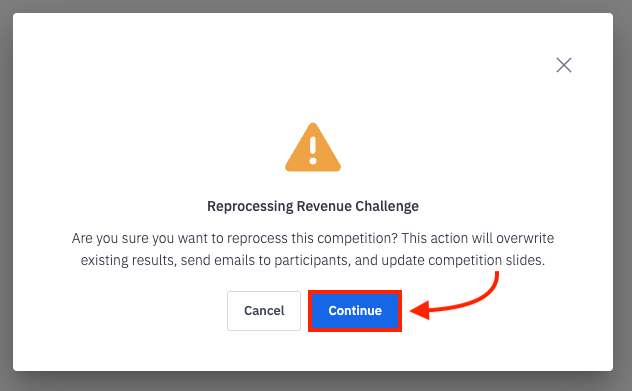
Opting to reprocess a challenge will take into account all changes that have happened since the challenge ended, ex. changes in metric values, any team changes, and any updated out of office records, so reprocess with care! Once a challenge has been reprocessed, the original results and prize winners will be overwritten, and new competition ended emails will be sent with the updated results.
Reprocess Results
Users with "Competitions: Create Challenge" and "Competitions: Reprocess Challenges" permission will be able to reprocess challenges that they created.
Users with "Competitions: All Access" and "Competitions: Reprocess Challenges" permission will be able to reprocess all challenges.
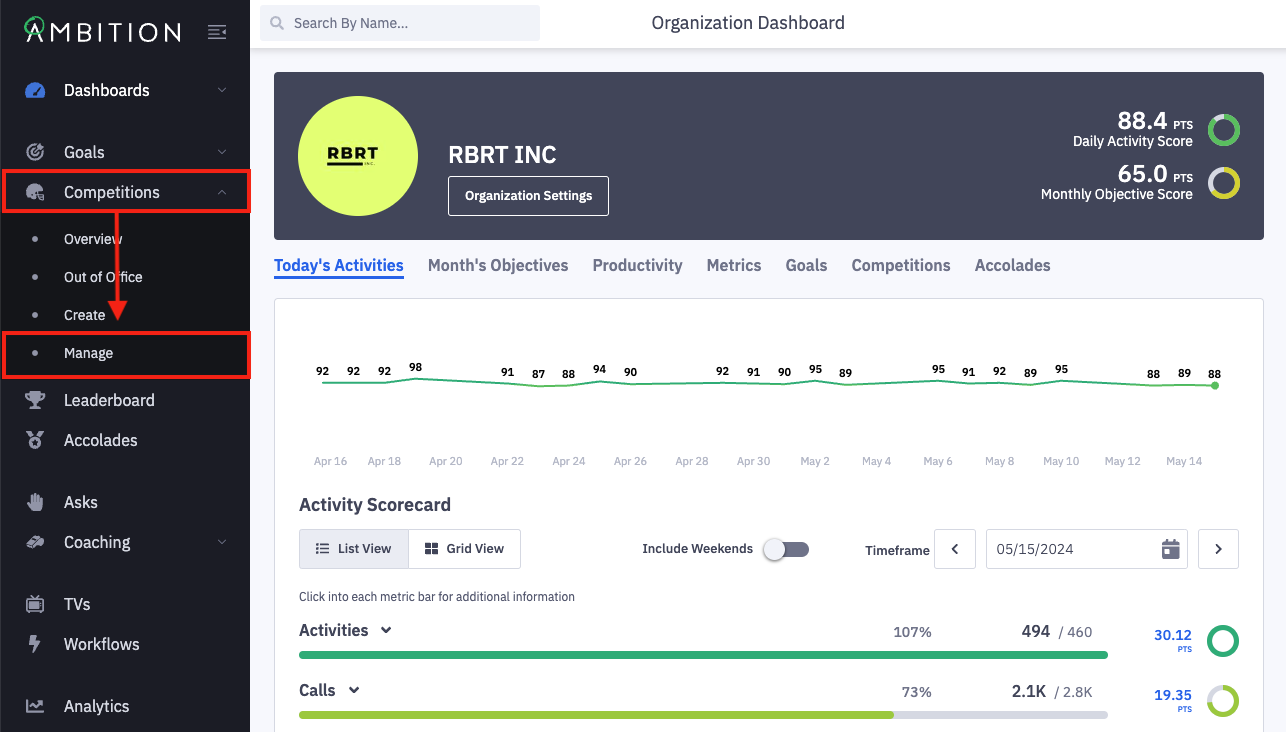
1. Open the left navigation and click Competitions > Manage.
You can also reprocess a challenge by clicking the ellipses icon and then Reprocess Results when viewing a finished challenge or the competition card of a finished challenge through the overview tab.
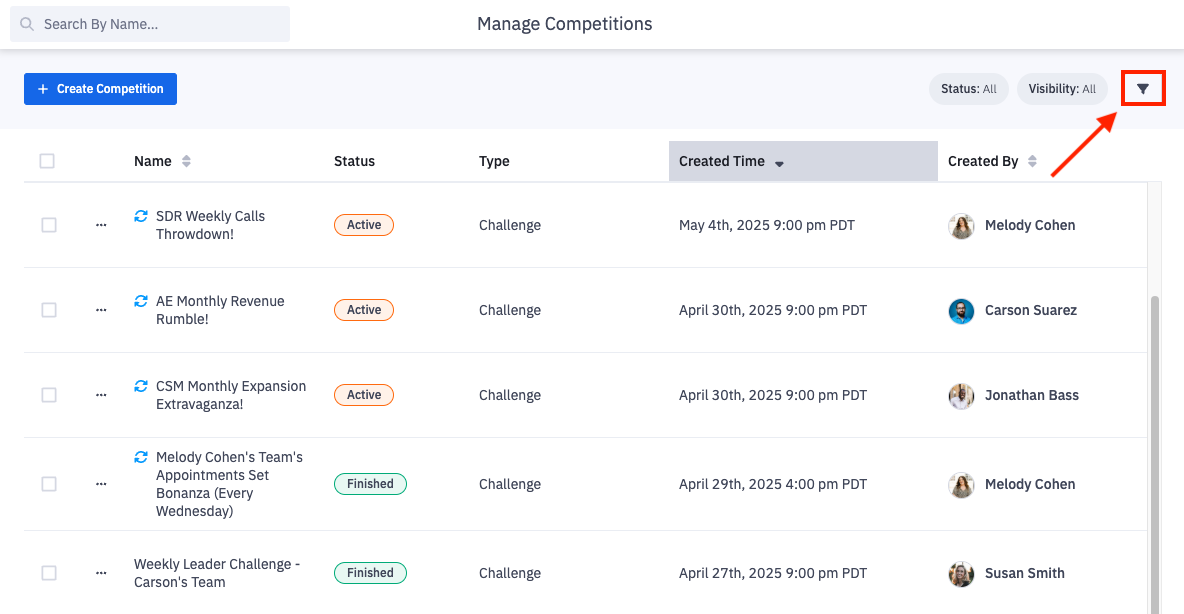
2. Locate the challenge you wish to reprocess.
Click the filter icon to slide out the filter panel.
Filter competitions based on name, competitor, competition type (challenge or fantasy), status, competition visibility (live or hidden), creator, and timeframe.
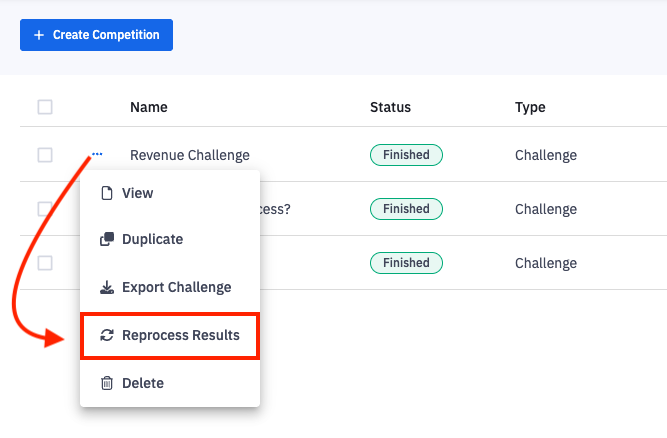
3. Click the ellipses icon on the appropriate challenge and select Reprocess Results.
4. Click Continue on the reprocess modal if you wish to continue with the reprocess.
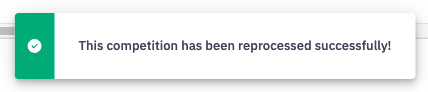
5. You will be notified at the bottom of the screen when the reprocess is complete!