Can Ambition's interface be translated into different languages?
Last updated: October 22, 2025
Ambition Interface Language Translation
Ambition has users all around the globe, and we want everyone to feel engaged!
Will Ambition be translated into my native language?
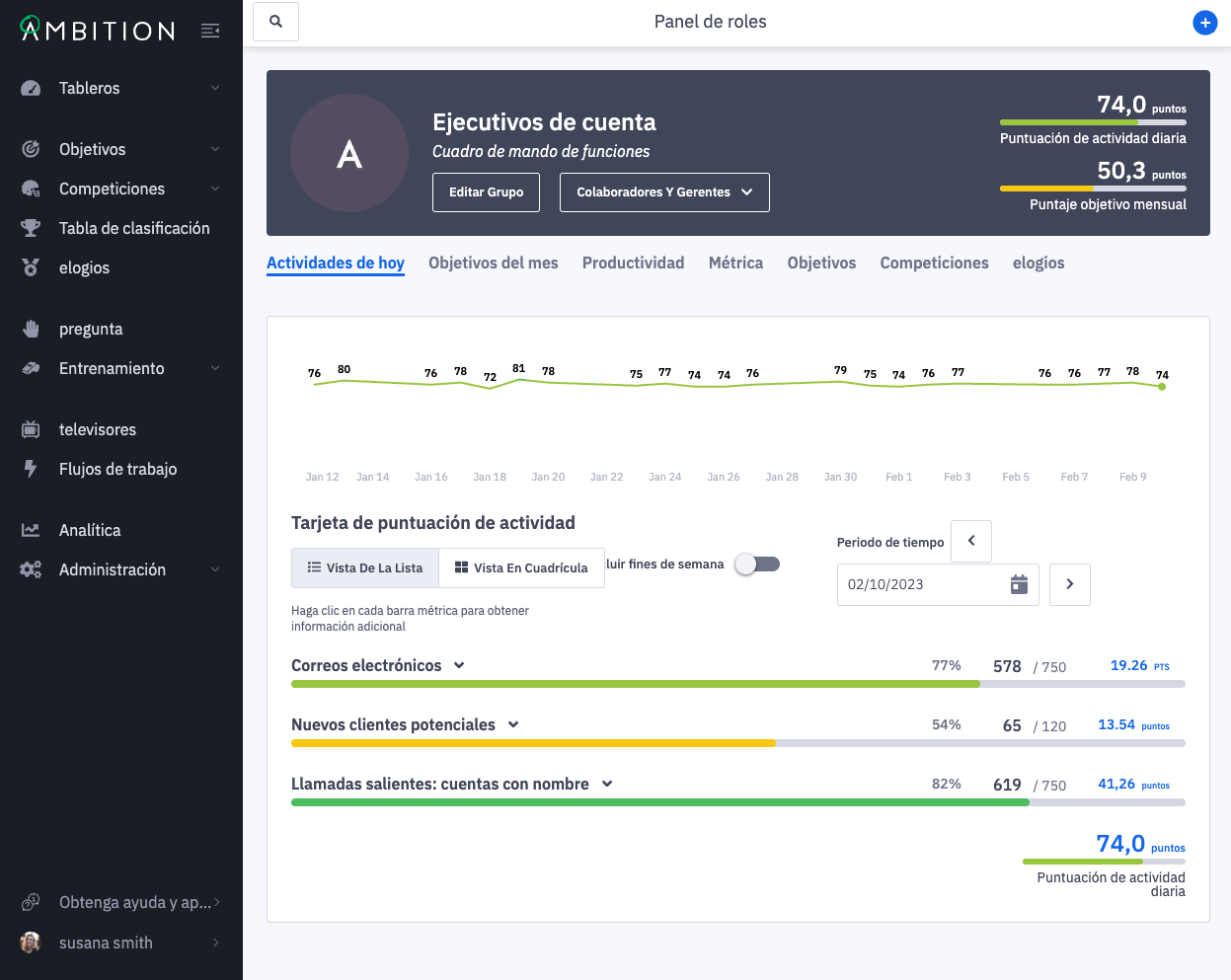
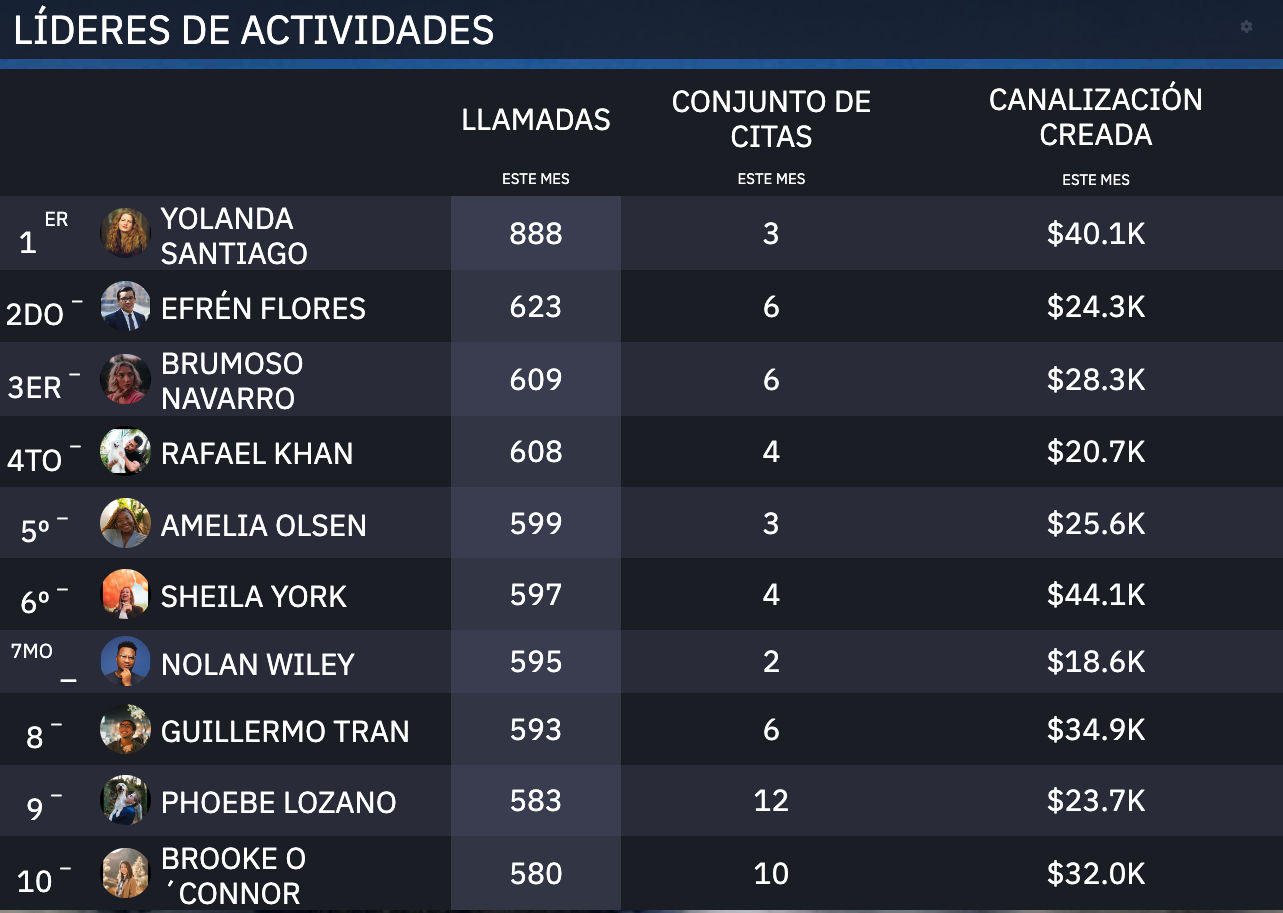
While Ambition will not inherently be translated based on your location or time zone, the Ambition interface can easily be translated through Google's built-in translation tools.
Translate Ambition's Interface with Google Chrome
Steps taken from Google's Help Documentation found here.
On your computer, open a Google Chrome browser window.
Login to Ambition
On the right of the address bar, click Translate.
Chrome will translate the webpage this one time.
Not working? Try refreshing the webpage. If it’s still not working, right-click anywhere on the page. Then, click Translate to [Language].
You can opt to "Always Translate" to ensure each time you access Ambition, you are ready to go!