How do I delete a failed data upload?
Last updated: November 7, 2025
Delete Failed Upload
Users with the "Integrations: Edit" permission will be able to access Integrations.
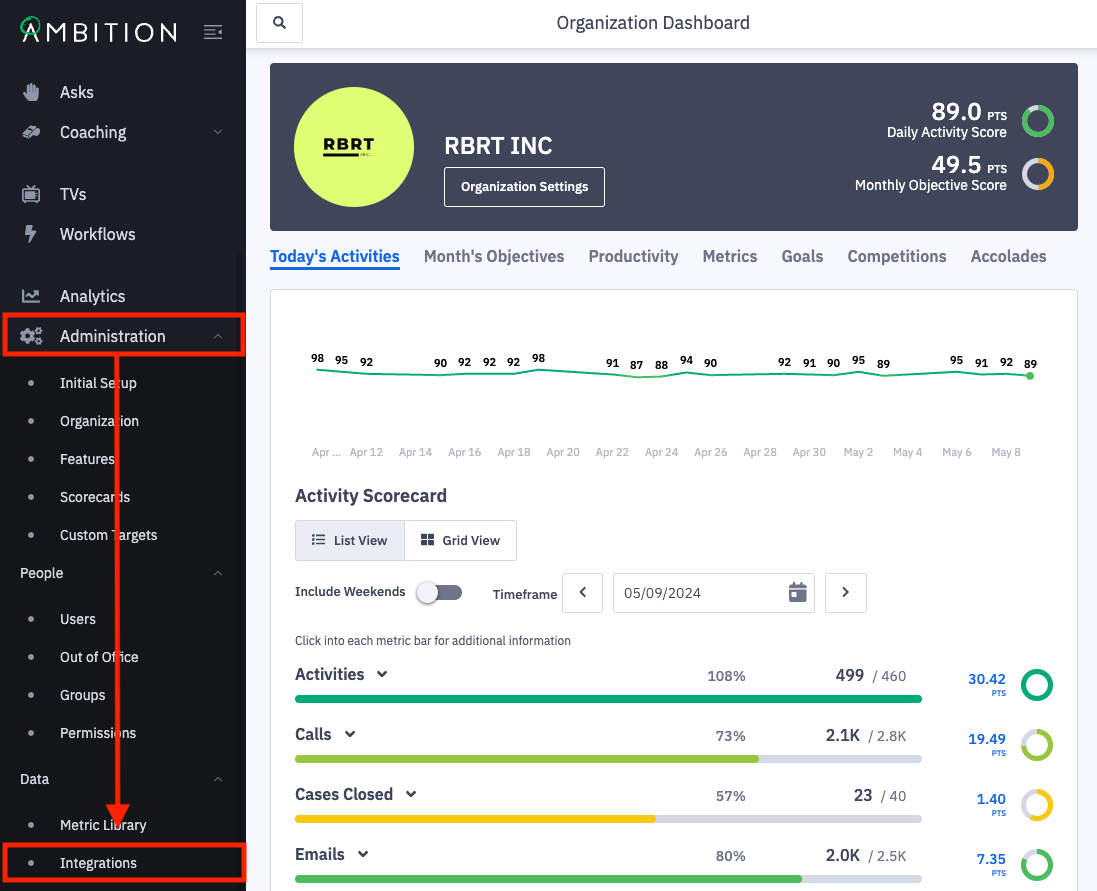
1. Open the left navigation and click Administration > Data > Integrations.
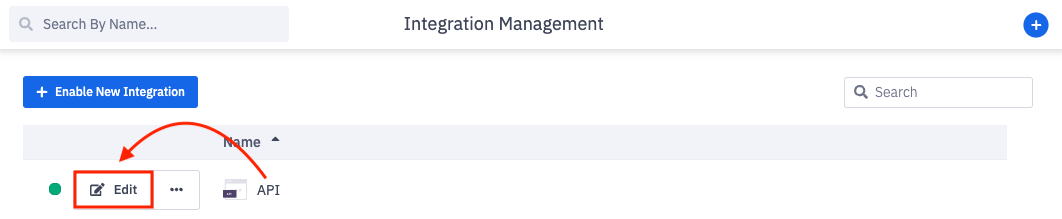
2. Click Edit in line with the respective integration where a failed upload occurred.
3. Click on the Data Explorer tab.
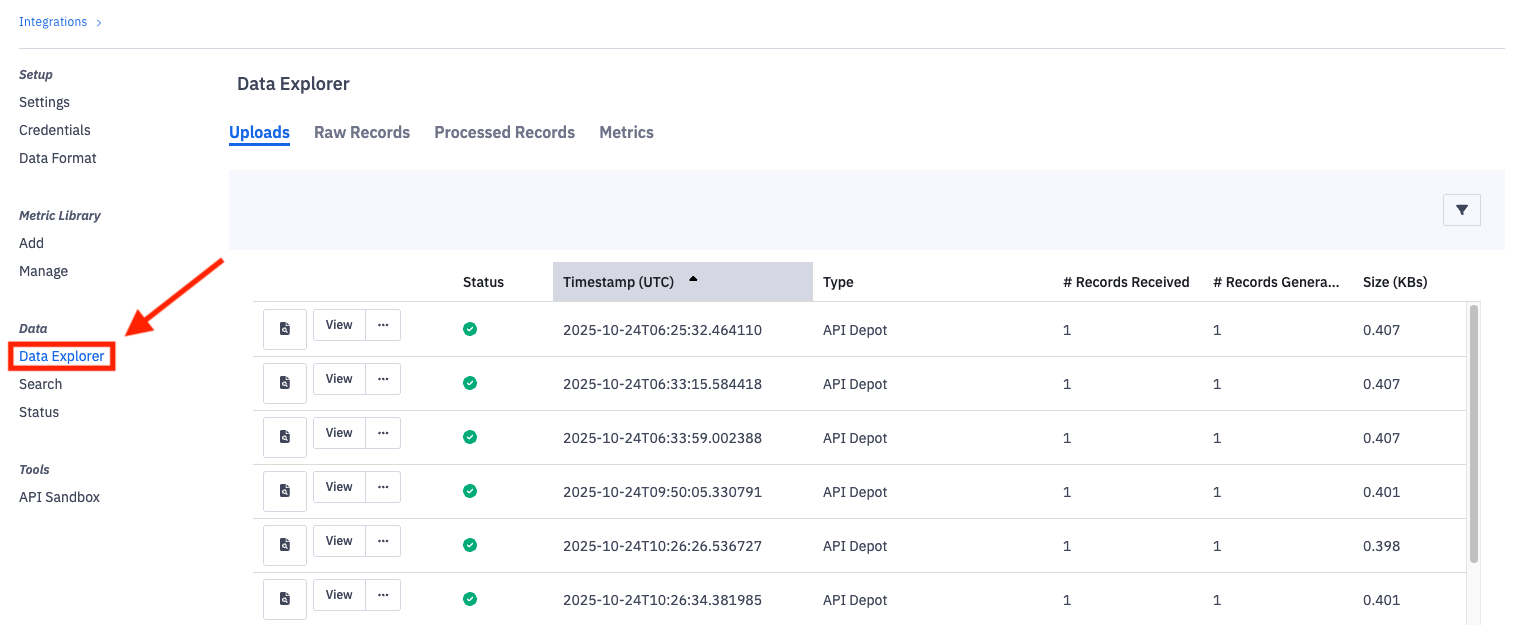
4. Locate the failed upload.
5. Click on the ellipses icon and Delete.
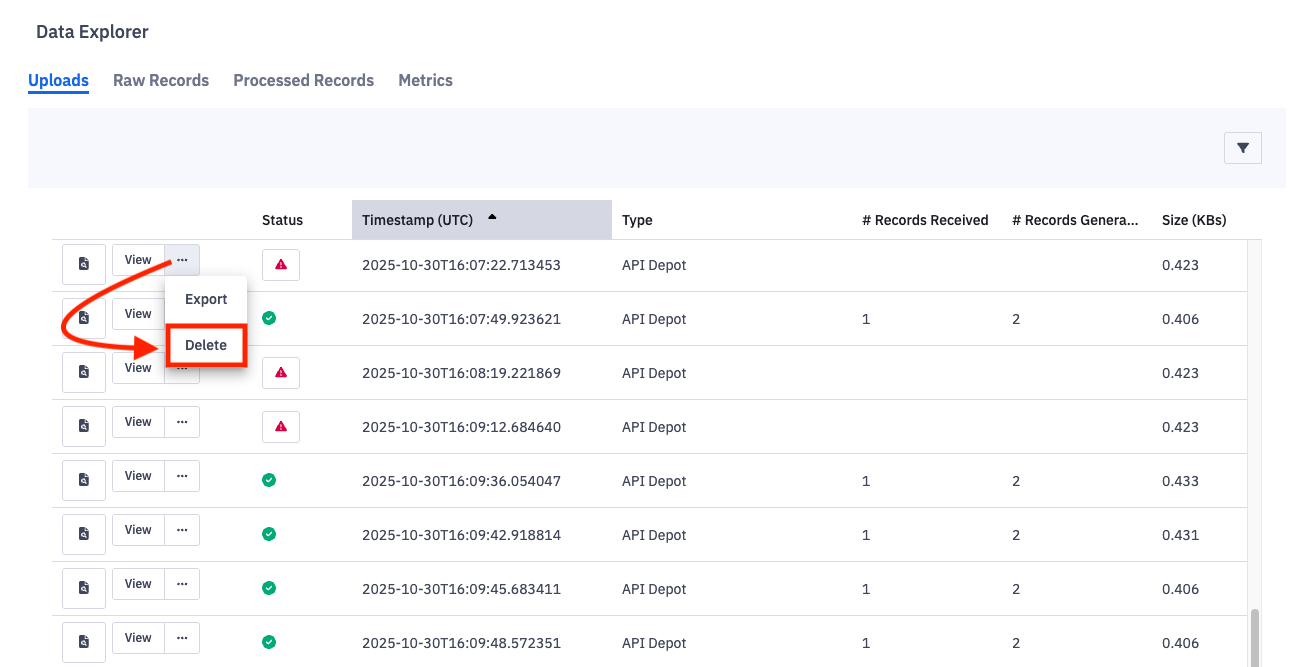
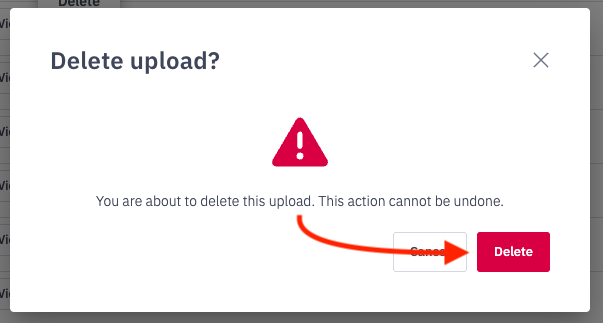
6. Click Delete on the confirmation modal.